11
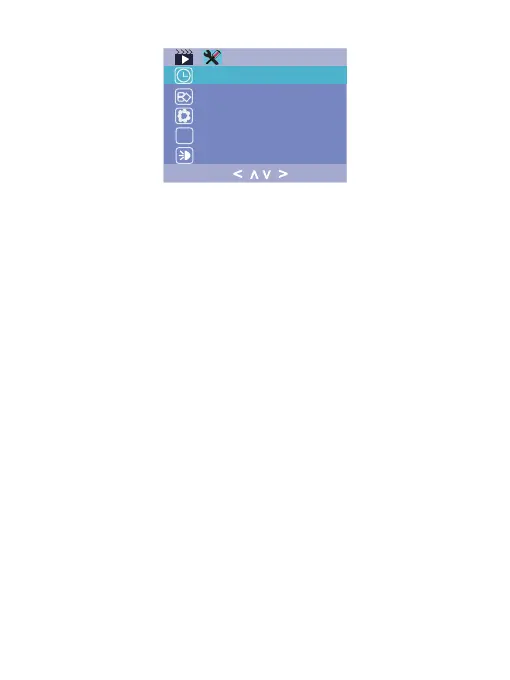
Format/ delete all data from the Micro SD card.Format :
Reset all settings back to factory default.Restore Setting :
Check firmware version.Version :
Set the time and date by using the LEFT
and RIGHT button, then press OK to confirm changes,
press MENU button again to exit time setup.
Date / Time :
Set up the IR LED lamp working mode for the
inside camera, On/ Off or Auto. In Auto mode, the IR LED
will light when the light inside the car is too dark.
LED Light :
< >
>
<
V.1.0
f


 To Next Page