Function of Parts:
Main Key Switch
• By turning the key clockwise to ON to turn on the power
• By turning the key anticlockwise to OFF to turn off the power
Speed Dial Knob
The rabbit icon indicates fast or high speed. The turtle icon indicates slow or low speed. By turning
this you control total speed transferred to thumb controls.
CAUTION: Do not set the speed at maximum when operating the scooter.
Adjust the speed at maximum when inclining a slope, and adjust to minimum speed when
declining a slope.
Horn Button
Pressing down the button to sound buzzer.
Battery Gauge
The LEDs represents an approximation of battery capacity. If the charge is full, all LEDs are lit.
When only red and orange LEDs are lit, the batteries are consuming and should be charged soon.
When only red LEDs are lit, charge the batteries immediately.
CAUTION: Check battery’s capacity before driving, and ensure they are charged when at
low power.
Hi/Lo Button
High & Low Speed Switch allows speed to be changed from the normal maximum to half for
pavement and indoor use. Light means activated Hi/Lo speed.
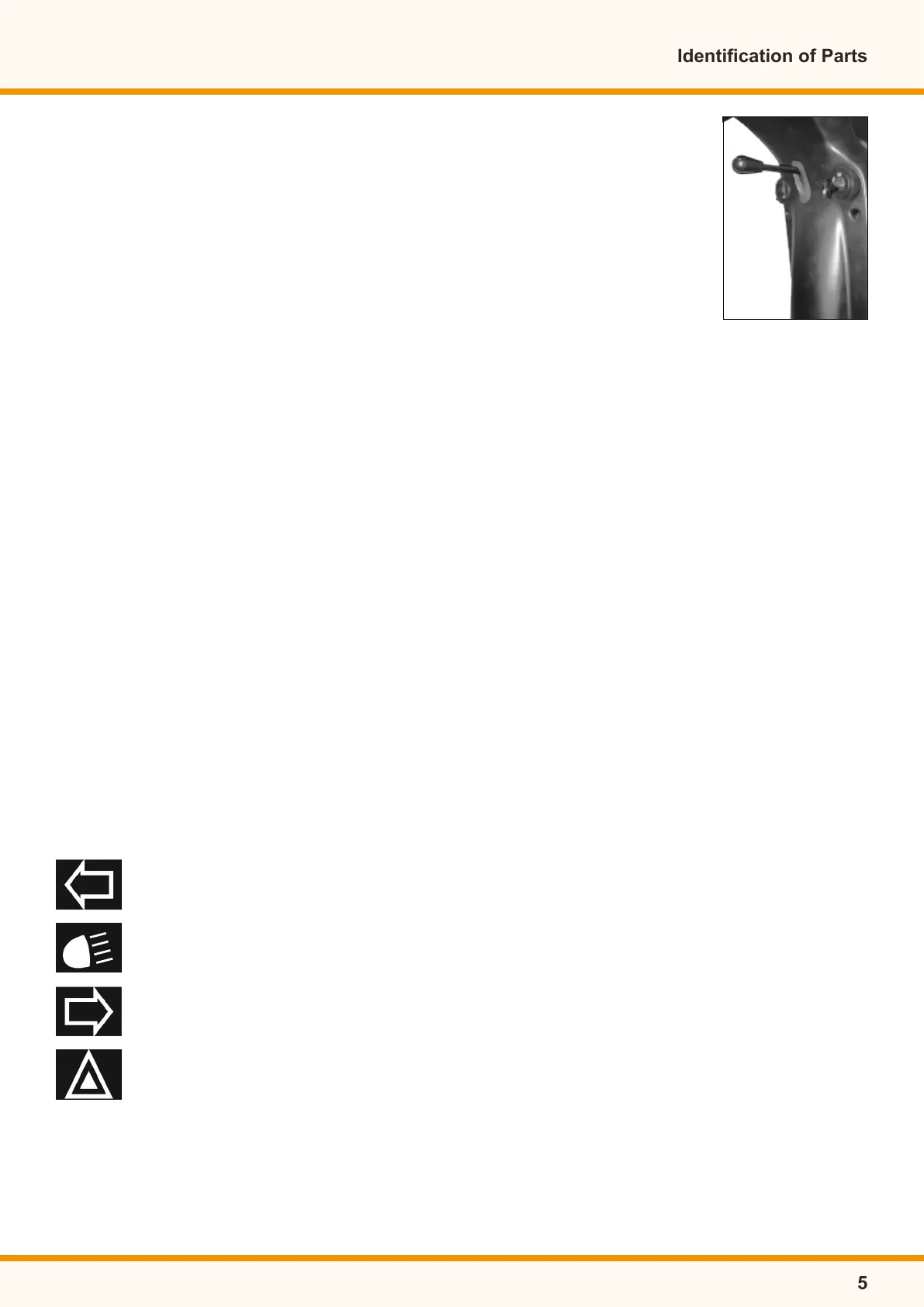
Panel Controls
• Press down to activate left turn signal.
• Press down to activate headlight.
• Press down to activate right turn signal.
• Press down to activate warning light.
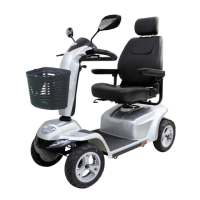
Identication of Parts
5
Adjustable
Armrest


 To Next Page