8
Extended mode
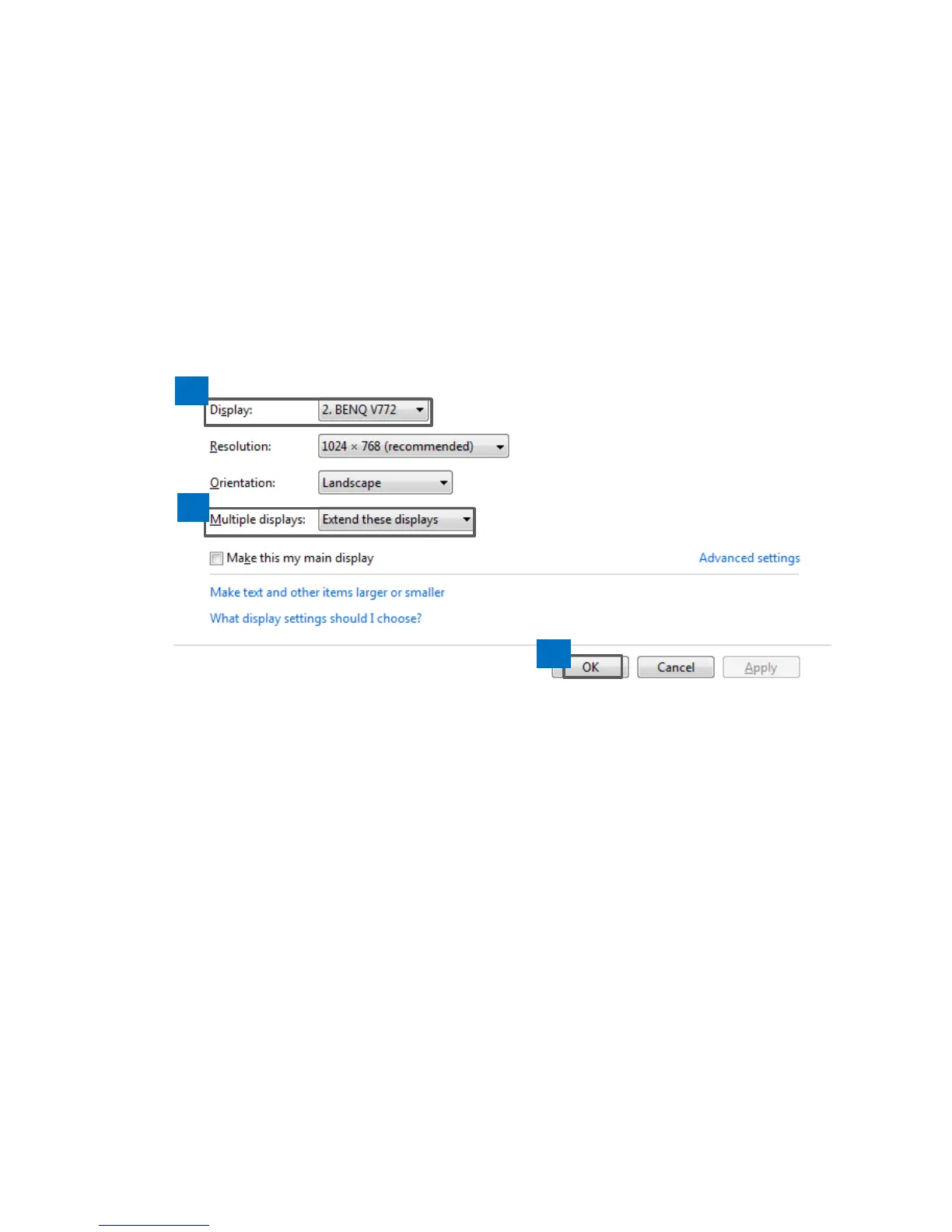
1. Open the configuration page.
2. In the Display drop-down menu, select the preferred
monitor.
3. Check the Multiple Displays > Extend these
displays on Window
®
7/ Window
®
8/ Window
®
10.
4. Click OK to confirm and close the settings screen.
5. Once the setting is completed, simply drag and drop
the application icons or the opened windows to the
add-on monitor. However, some applications may not
support to display on the extended desktop.



 To Next Page