7
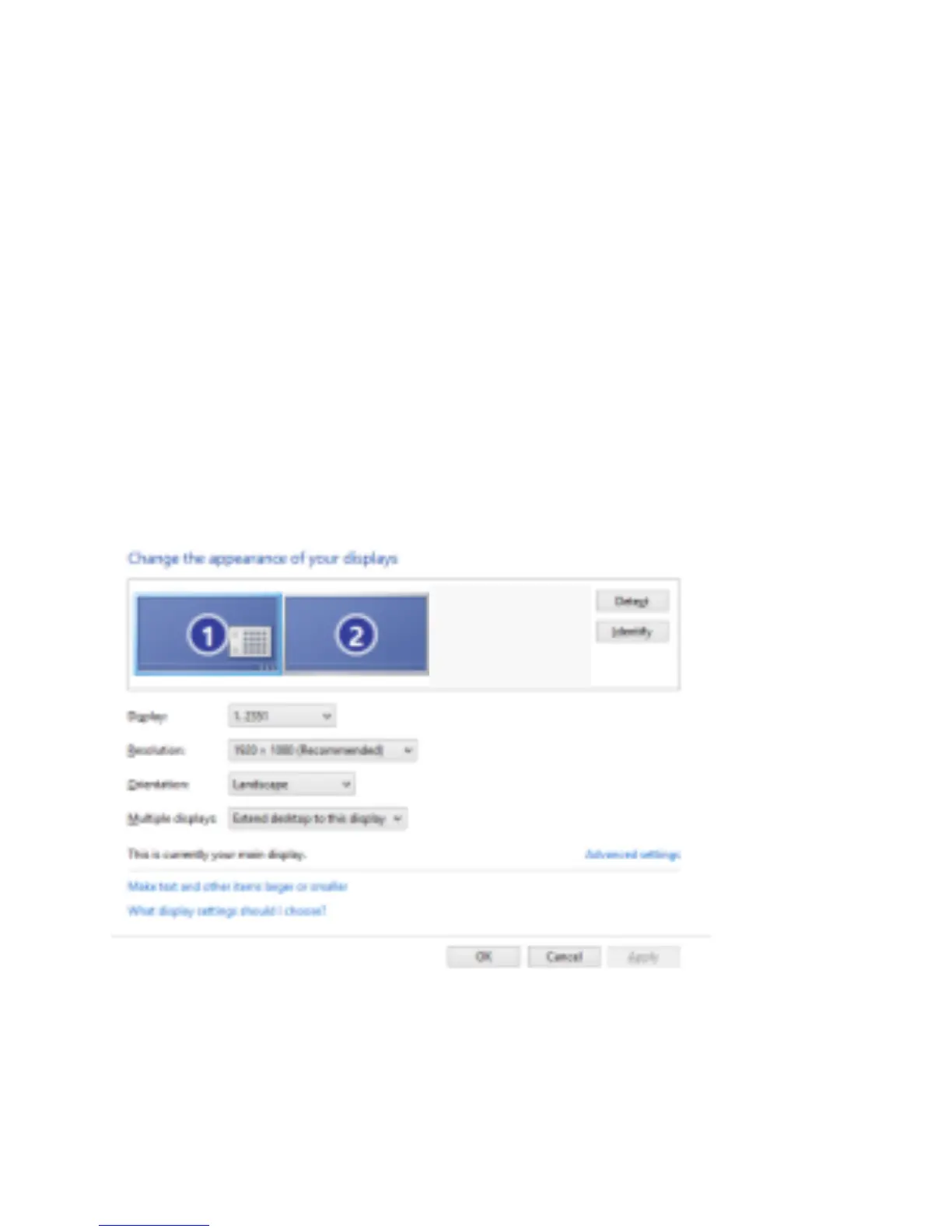
Multi-monitor configuration
An extra HDMI monitor can be connected through the
adapter directly. Once the extra monitor is connected, it
can be configured to use either “mirror mode”, “extended
mode” or be the primary display.
Windows
®
7/ Windows
®
8/ Windows
®
10
Position the mouse anywhere on the Windows
Desktop,
Right-click and select Screen Resolution.



 To Next Page