6
Connection
Follow the instructions below to check and connect your
mobile device to a display.
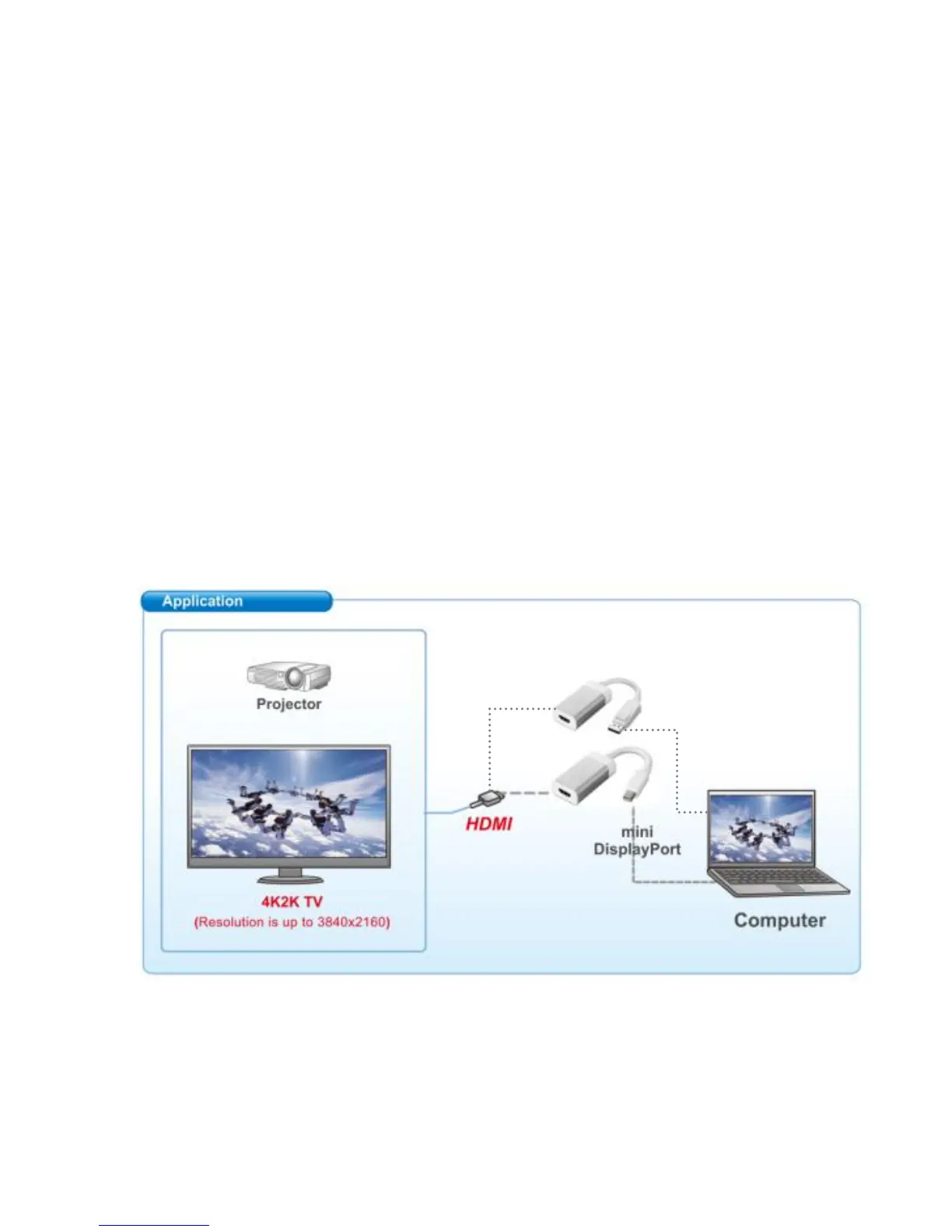
Make sure the source device is equipped with
DisplayPort / Mini DisplayPort.
Make sure the terminal device is equipped with HDMI
port.
Prepare a HDMI male to male cable to connect the
HDMI end to a terminal device. (Note that this cable is
not supplied)
Connect the DisplayPort/Mini DisplayPort end to a
source device.



 To Next Page