17
EN
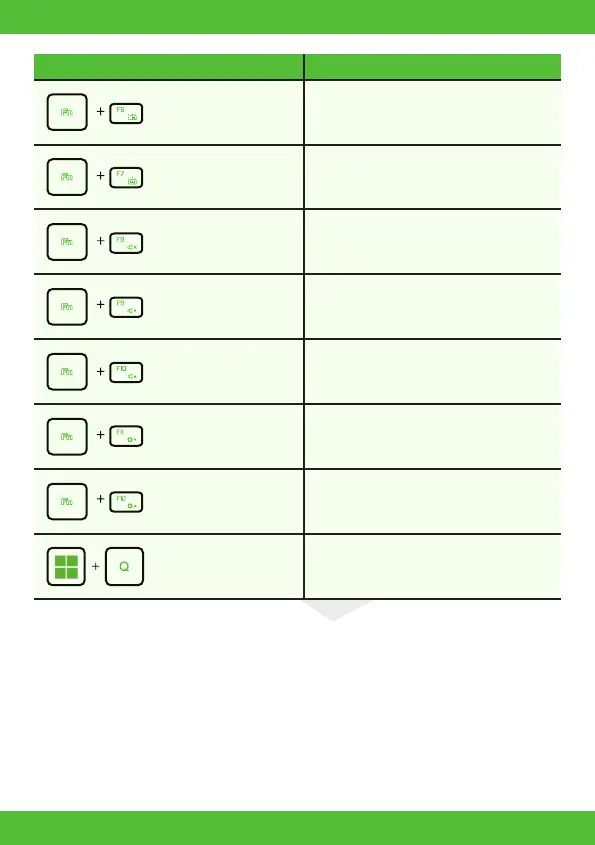
Keyboard Brightness
Down:
Press this key combination (Fn+F6) to
decrease brightness of Keyboard.
Press this key combination (Fn+F7) to increase
brightness of Keyboard.
Press this key combination (Fn+F8) to enter
MUTE mode.
Press this key combination (Fn+F9) to enter
Volume down mode.
Press this key combination (Fn+F10) to enter
Volume up mode.
Press this key combination (Fn+F11) to
decrease brightness of LCD display.
Press this key combination (Fn+F12) to
increase brightness of LCD display.
For a full list of Windows keyboard shortcuts,
please visit the Microsoft official website.
https://support.microsoft.com/en-us/
Keyboard Brightness
Up:
MUTE:
Volume down:
Volume up:
Brightness down:
Brightness up:
Search Charm:
Keypad Function Description



 To Next Page