21
EN
• System Time
This item allows you to set the system time. There is a small internal (CMOS) bat-
tery which is designed to maintain your system clock. It is designed to maintain
time even when the PC is powered down or in sleep mode. The time format is
[hour:minute:second].
Use [+] or [-] to configure system Time.
• System Date
This item allows you to set the system date. The date format is
[day:month:date:year]. Use [ENTER], [TAB] or [SHIFT-TAB] to select a field.
Day Day of the week, from Sun to Sat, which is determined by
BIOS (read-only).
Month (Month) The month from 01 (January) to 12 (December).
Date (Date)date from 01 to 31.
Year (Year) The year can be adjusted by users.
• Total Memory
This allows you to see the total amount of memory.
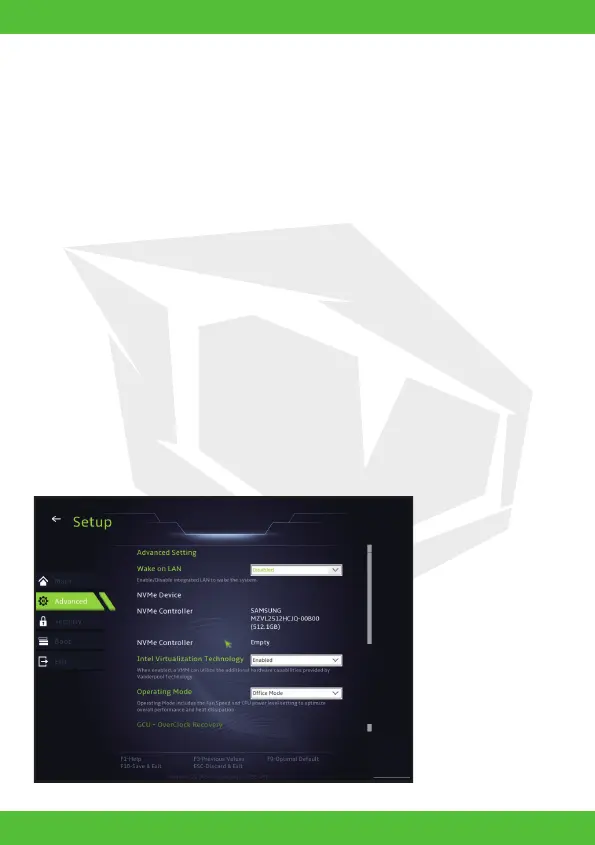
4.2.2 Advanced Menu



 To Next Page