EN
22
• Operating system support [UFEI OS] : If you choose UEFI operating system, it
will support UEFI mode compatible operating systems.
• NVME Device : AHCI NVME SSD info will be displayed.
• Intel Virtualization Technology : When enabled, VMM can take advantage of
additional hardware features provided by Vanderpool technology.
• For details of Control center, please refer to the following instructions.
• Thunderbolt Security Level [User Authorization / Secure Connect/ Display Port
only / USB Docking Only / Unknow Status]
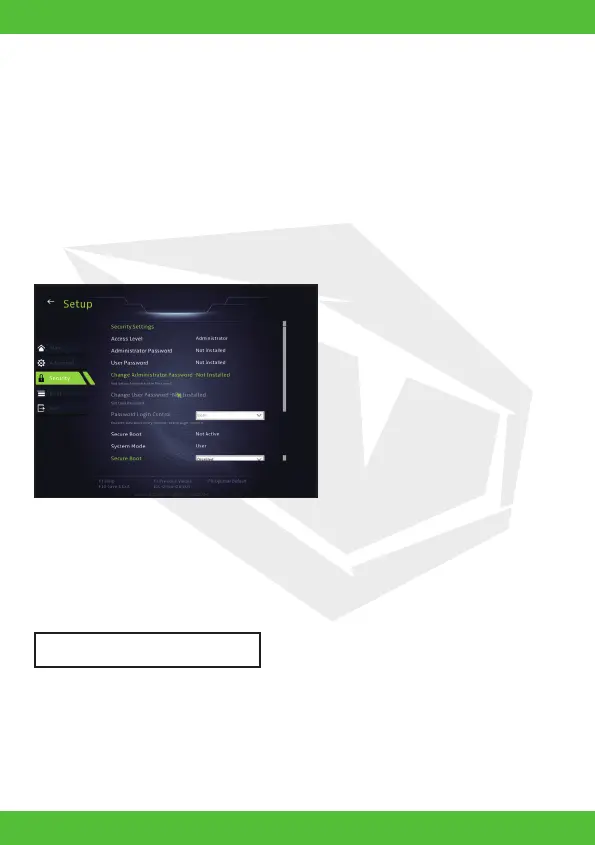
• Change Administrator Password
When this item is selected, a message box shall appear on the screen as below:
4.2.3 Security Menu
Enter New Password
Type a maximum of 20-digit password and press [Enter].
The password typed now will replace any previously set password from CMOS
memory. You may also press [ESC] to abandon new password setting. It is ex-
tremely important to keep record for any BIOS password which is set as it can not
be reset even with the removal of a CMOS battery for the security of your PC.



 To Next Page