Absenicon3.0 C165 User Manual
15
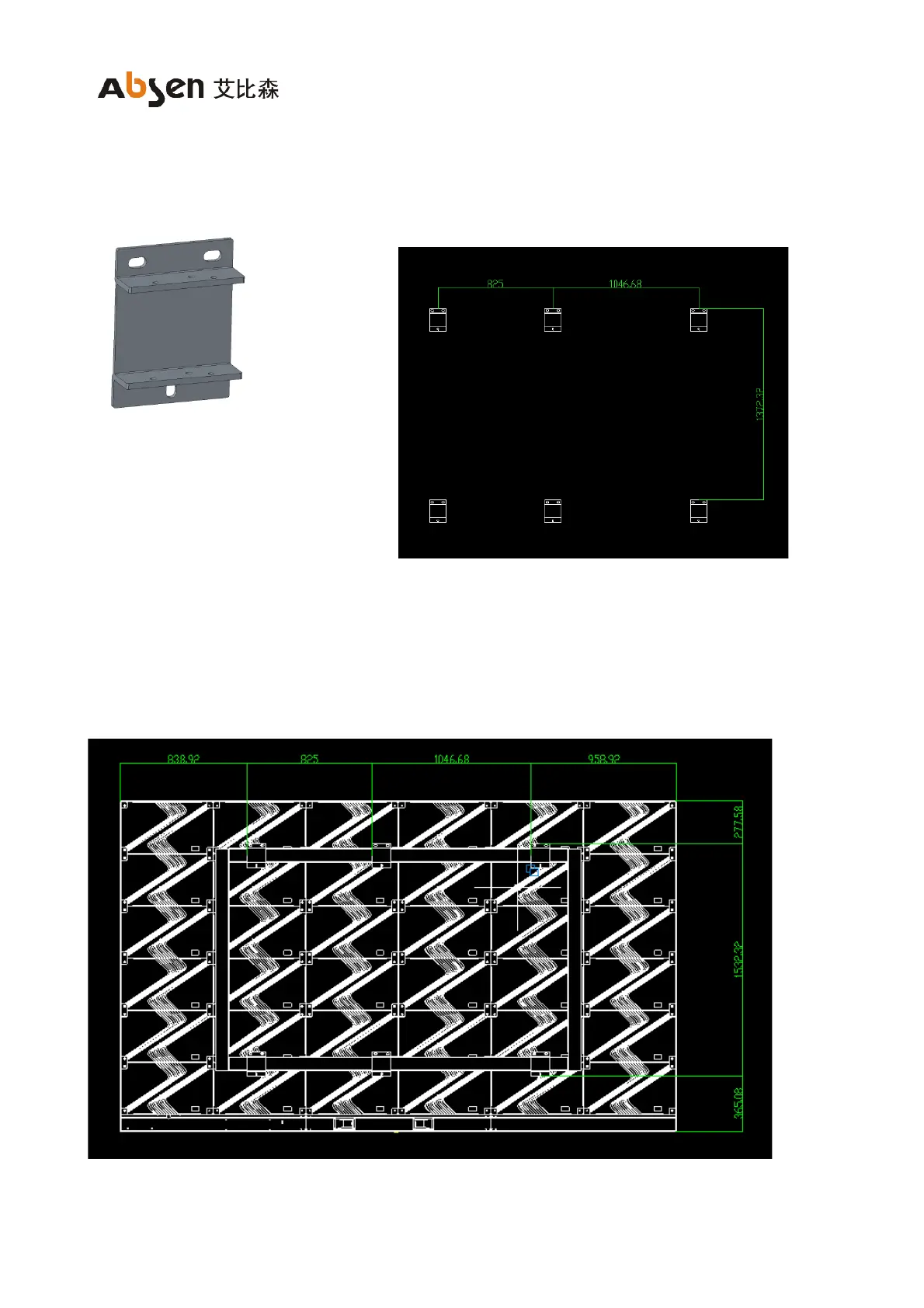
2.2.2 Install frame fixed connecting plate
(1) Install the frame fixed connecting plate;
(2) After confirming the installation position of the connecting plate on the back frame and the position of the
screen body, drill holes on the wall to install the fixed connecting plate (only 4 connecting plates on the
four sides can be installed when the wall bearing capacity is good);


 To Next Page
 Loading...