82
7.4.3.3 PPPoE
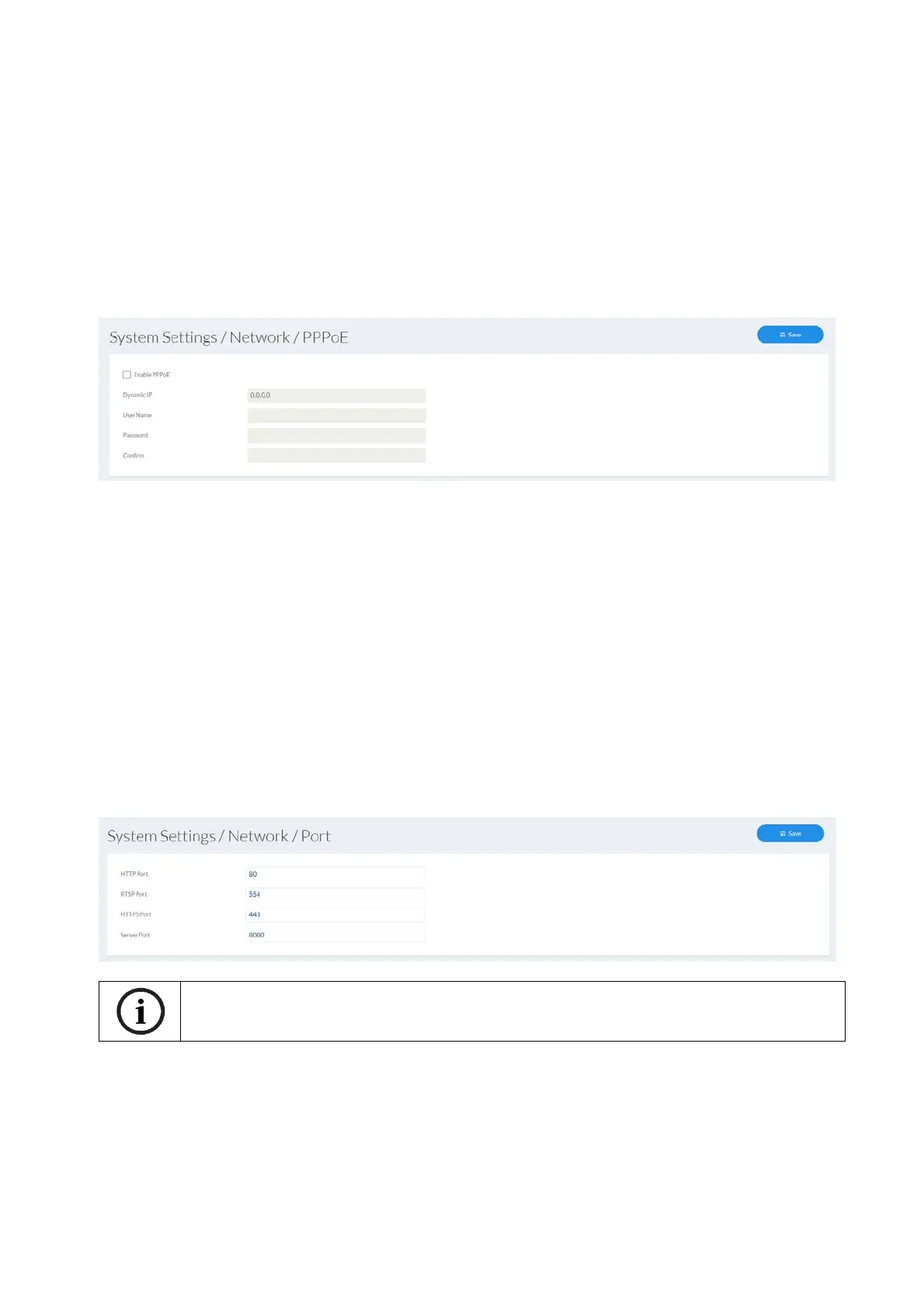
The PPPoE protocol makes it possible to connect the camera to a provider modem directly.
An additional router is not required.
Enable PPPoE: enable the PPPoE function
Dynamic IP: display of the dynamically determined public IP address
User name: input of the user name from the provider (ISP)
Password: input of the password from the provider (ISP)
Confirm: Password confirmation
7.4.3.4 Port
HTTP port: the default port for HTTP transmission is 80. If several IP cameras are
located on one subnet, each camera should have its own unique
HTTP port.
RTSP port: the default port for RTSP transmission is 554. If several IP cameras
are located on one subnet, each camera should have its own unique
RTSP port.
HTTPS port: The default port for HTTPS transmission is 443. If several IP cameras
are located on one subnet, each camera should have its own unique
HTTPS port.
Server port: The default port is 8000. If several IP cameras are located on one
subnet, each camera should have its own unique server port.
If the camera is to be accessed via routers (e.g. from the internet to the local network),
port forwarding must be set up for the HTTP, RTSP and server port in the router. If
HTTPS is also being used, port forwarding must be set up for the HTTPS port too.



 To Next Page