86
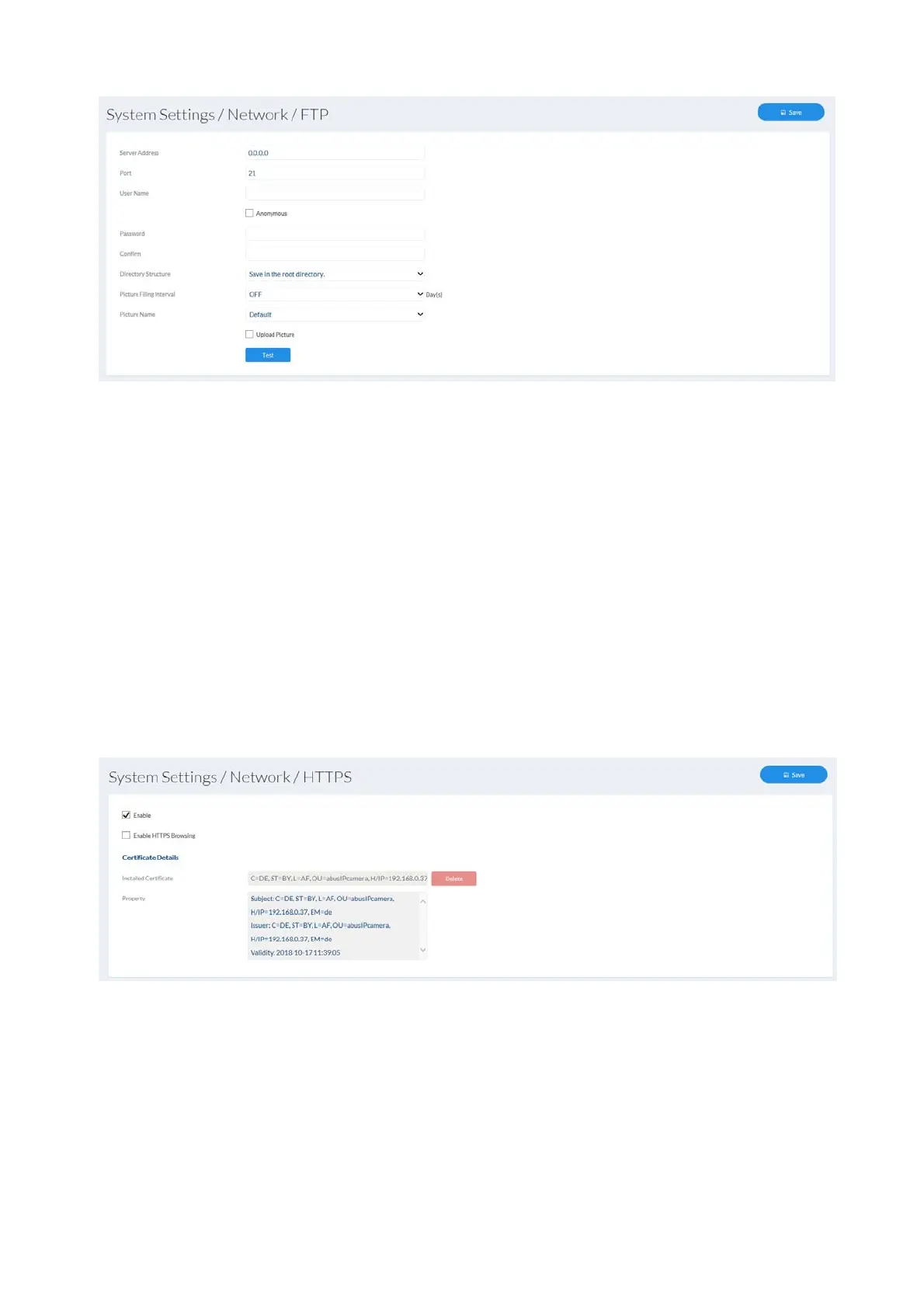
7.4.3.8 HTTPS
Activate HTTPS: enables the HTTPS function. This enables a secure
connection with connection certificate. Please note that
further steps are necessary for configuring the HTTPS
function.
HTTPS in the browser: when enabled, the HTTPS protocol is enforced when
accessing the camera via the web browser.
Create a self-signed certificate: enter all of the details required for the certificate. When
accessing the camera at a later point, the connection
must also be confirmed in the browser.
Install a signed certificate: install a HTTPS certificate from an external provider.
When accessing the camera at a later point, the
connection is automatically accepted as secure (address
bar shows green).
7.4.3.9 QoS
QoS determines the data flow between two network components on the basis of quality
parameters.
DSCP - Differentiated Service Code Point



 To Next Page