128
Linkage method
Here you can set the action to be performed when an event occurs.
Normal Linkage
Send email: You receive an email as notification; check the checkbox to activate this.
Notify the surveillance centre: Alarm triggering of the NVR/CMS for further processing (e.g.
recording on NVR, or full-screen display when alarm is
triggered in CMS)
Trigger alarm output
When an event is triggered, existing alarm outputs on the camera can be activated. The behaviour of the
alarm output can be set under "Events / Alarm output".
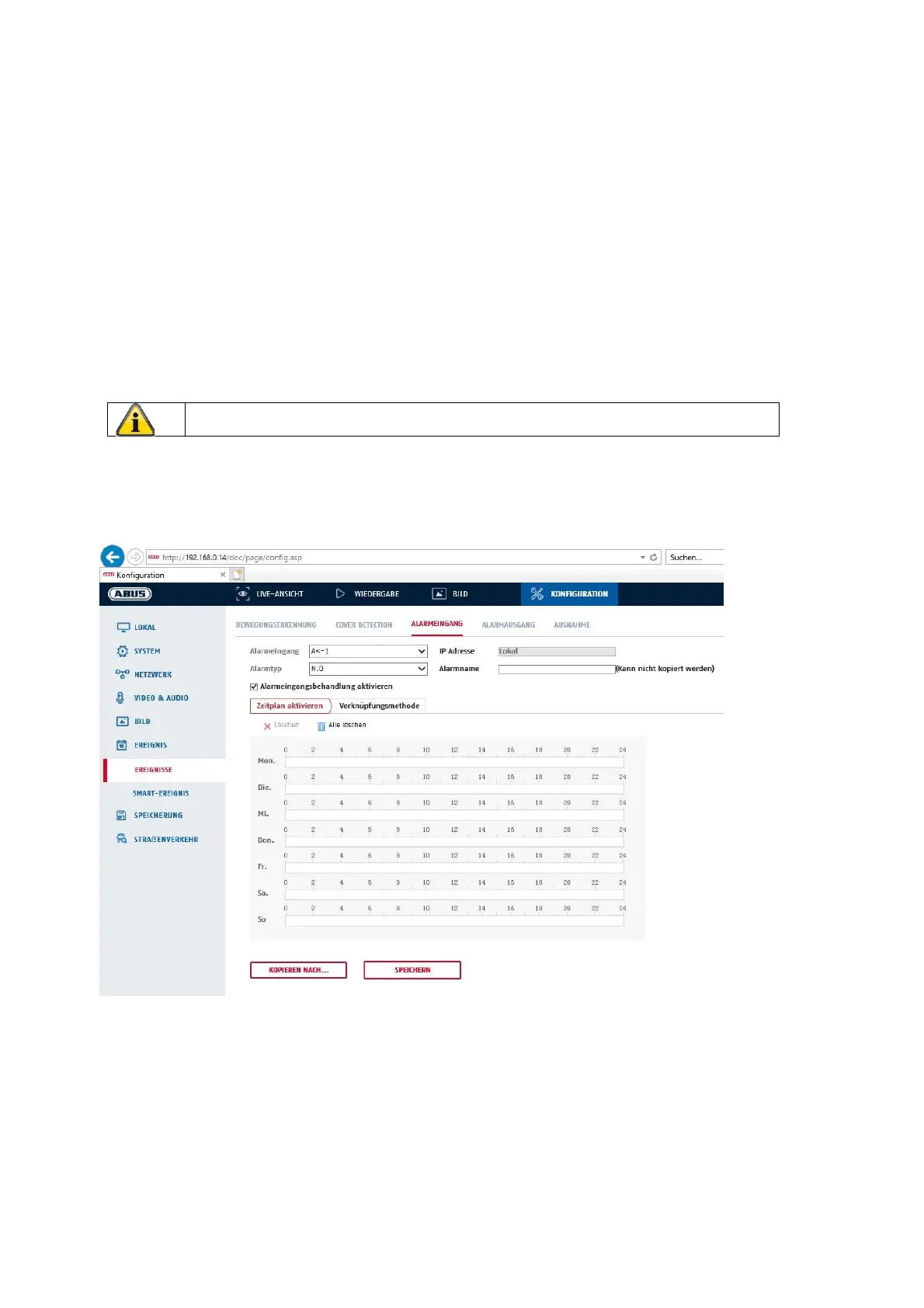
8.6.3 Alarm input
You can configure the camera's alarm input under this menu item
Alarm Input No.
Here you can select the alarm input that you wish to configure.
Alarm name
You can specify a device name for the alarm input here. Please do not use the alarm input number or any
special characters.
Alarm Type
Apply the settings by clicking “Save”.



 To Next Page