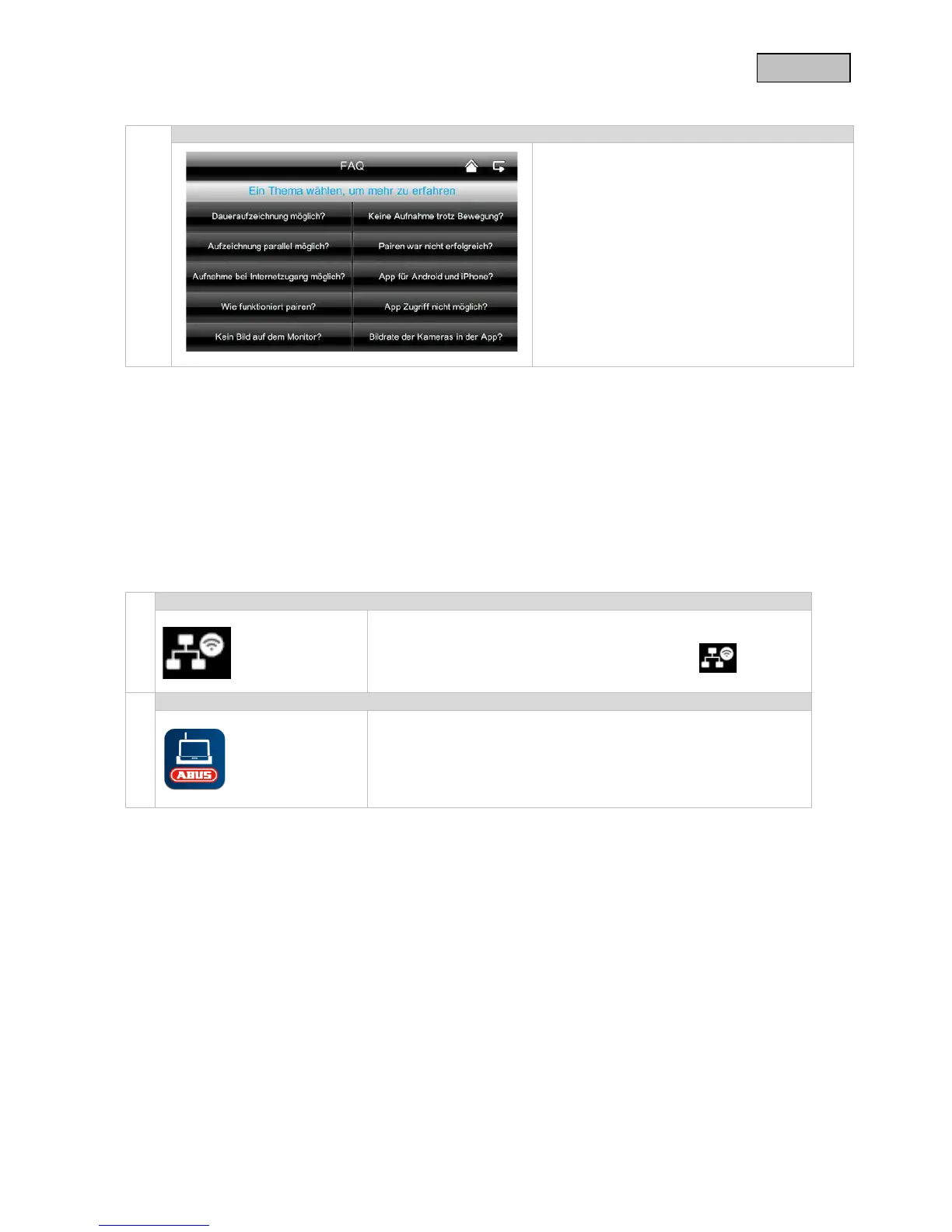
Here you can read about troubleshooting tips
directly on your monitor.
Select the question to view the help message.
8. Remote access via app
Integration into the App2Cam
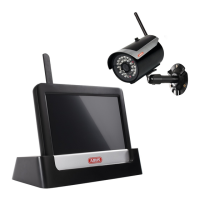
With this 7” wireless touchscreen monitor you are able to tune into your cameras in real time.
This manual explains how to integrate the TVAC16000A/B system into the App2Cam so you can access the
live view while you are on the go.
Ensure that the monitor is in its docking station and is connected
to your router, that there is an internet connection and that


 To Next Page