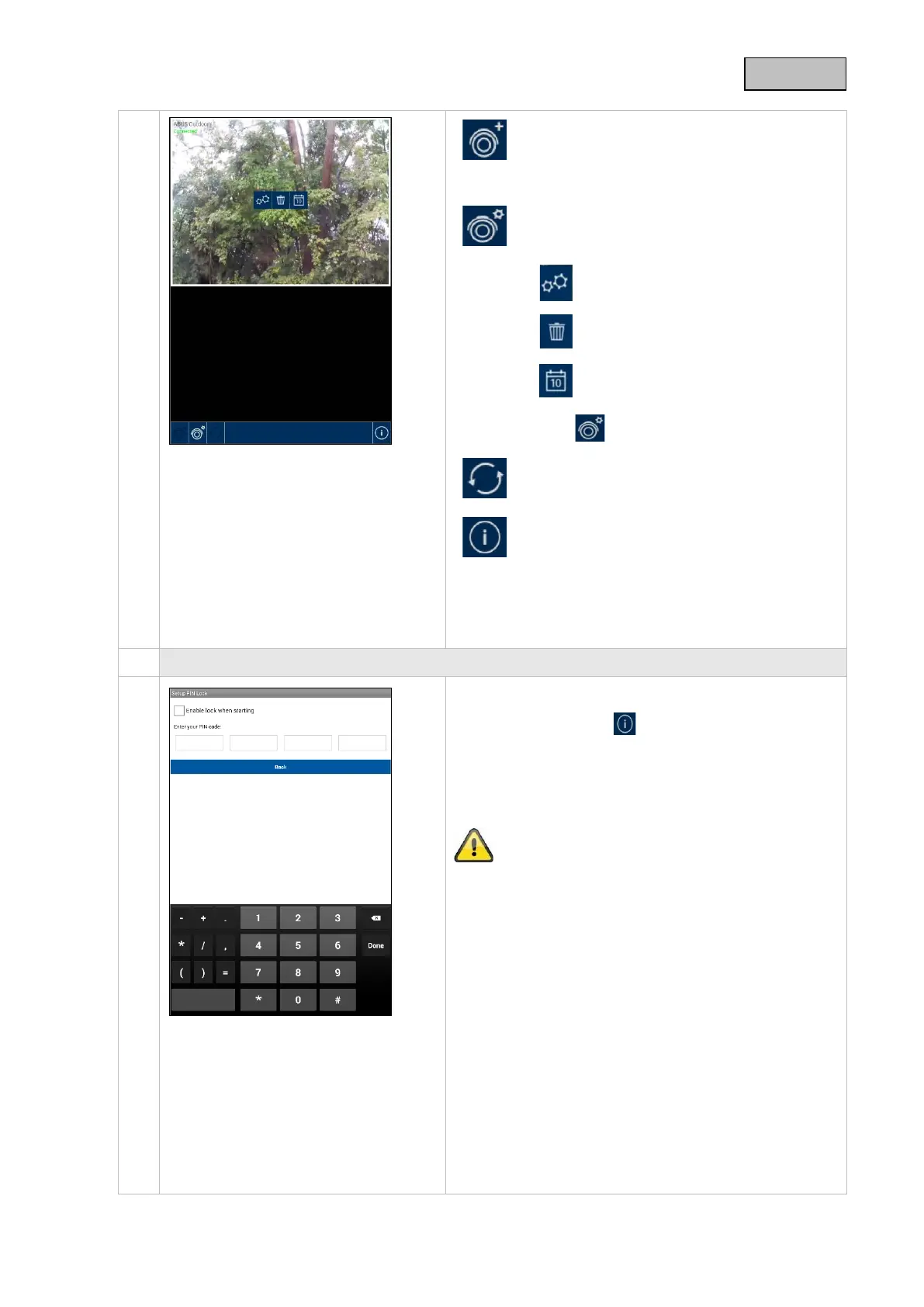
Adding a camera
This lets you add another
system.
Camera configuration
This will display the camera configurations.
Camera settings
Remove a camera
Access recordings on the SD card
Press to return to connection status.
Updating connection
The connection is being updated.
PIN code/Push settings/
Instructions/Firmware information
Here you can store a PIN code, activate or
deactivate push notifications, view the
instructions for your camera as a PDF or view
the firmware version of the app.
Store PIN code
To store a PIN code for this app, proceed as follows:
Open "Set PIN lock" in .
Enter a four-digit PIN code and then confirm it.
Tick "Activate lock on startup".
If you have stored a PIN code, you will be asked to
enter it as soon as you open the app.
39



 To Next Page