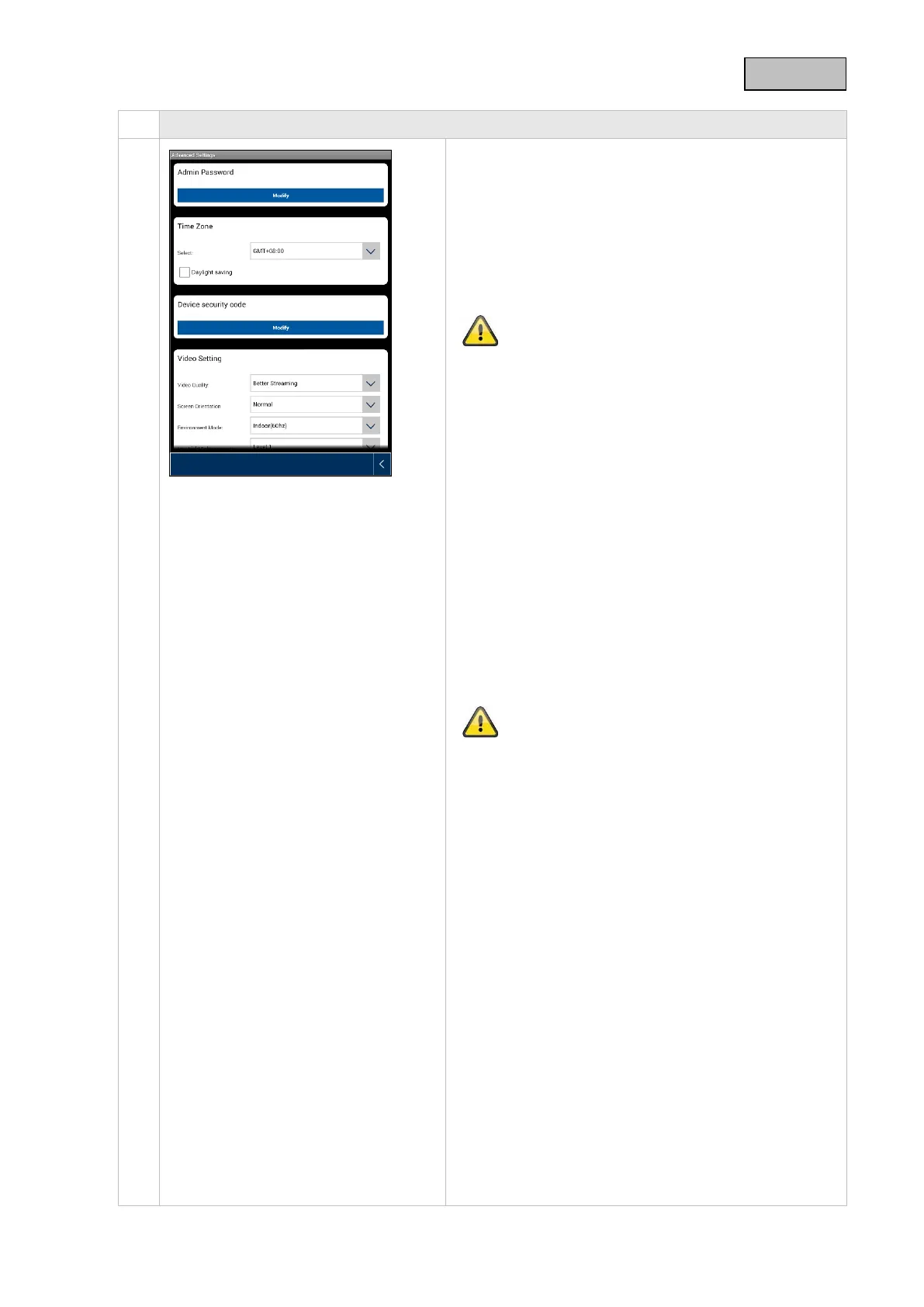
General settings
Once you have accessed the settings you will be able
to configure the camera.
Admin password
The admin password gives access to the camera
settings. The standard admin password is "123456".
To protect your camera from unauthorized access,
change this password during initial installation.
If you have forgotten your password, you can restore
factory settings on the camera by pressing the Reset
button for five seconds. The red LED will start to flash.
Time zone
Global time zones are listed in the drop-down menu.
Select the time zone in which the camera is being
installed. If the time zone in question uses daylight
saving time, activate daylight saving time.
Daylight saving time
Activate/deactivate daylight saving time.
Device security code
The security code enables the camera to be set up in
the app. The standard security code is "123456".
During initial installation you will always be prompted
to change this security code.
If you have forgotten your security code, you can
restore factory settings on the camera by pressing the
Reset button for five seconds.
41



 To Next Page