Playback
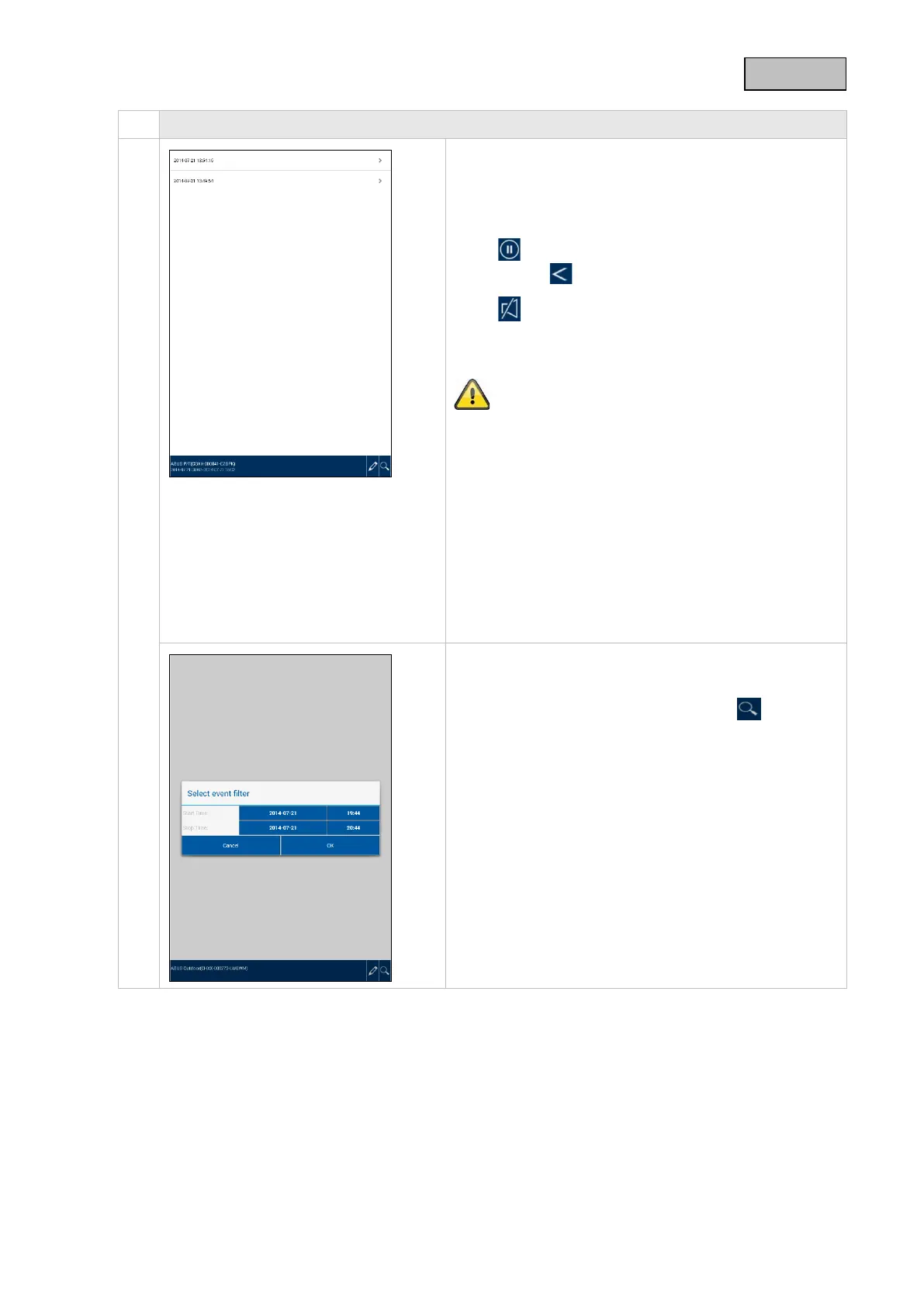
Access to recordings
Here you can view recordings for the chosen camera
on your smartphone. Select the desired recording and
playback will begin straight away.
Press to pause the recording. To return to the event
list, press the button.
Using you can activate or deactivate audio.
To save a file on your smartphone, press and hold the
recording and a confirmation window will appear.
The live view and the recording function will be
unavailable during the download. If other users attempt
to access the camera, the session will be rejected.
Deleting recordings
Select "Delete all" to delete the entire event list. A new
window will appear. You will be asked whether you are
sure you want to delete all events. If you do want to
delete the event list, confirm this by pressing "Yes" or
cancel by pressing "No".
To delete an individual file, select "Delete", then click on
the desired file and confirm the process.
Filtering the event list
It is possible to filter recordings according to specific
criteria. To do this, press "Search" or the symbol.
A window will appear with various search options. You
can search by start and end date and by start and end
time.
Click "Search" to display the desired events.
45



 To Next Page