18
5. Device description
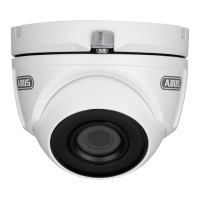
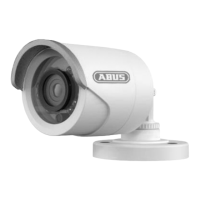
5.1 Overview – Model numbers
Item number TVCC34000 TVCC34500
Resolution 540 TVL 650 TVL
Lens 3.6 mm 3.6 mm
IR -
IR swivel filter
(ICR)
-
Operating voltage 12 V DC 12 V DC
5.2 Unpacking the device
Handle the device with extreme care when unpacking it.
If the original packaging has been damaged, inspect the device. If the device shows signs
of damage, then return it in the original packaging and contact the delivery service.
6. Installation
6.1 Installing the camera
IMPORTANT!
The camera must be disconnected from the power supply during installation.
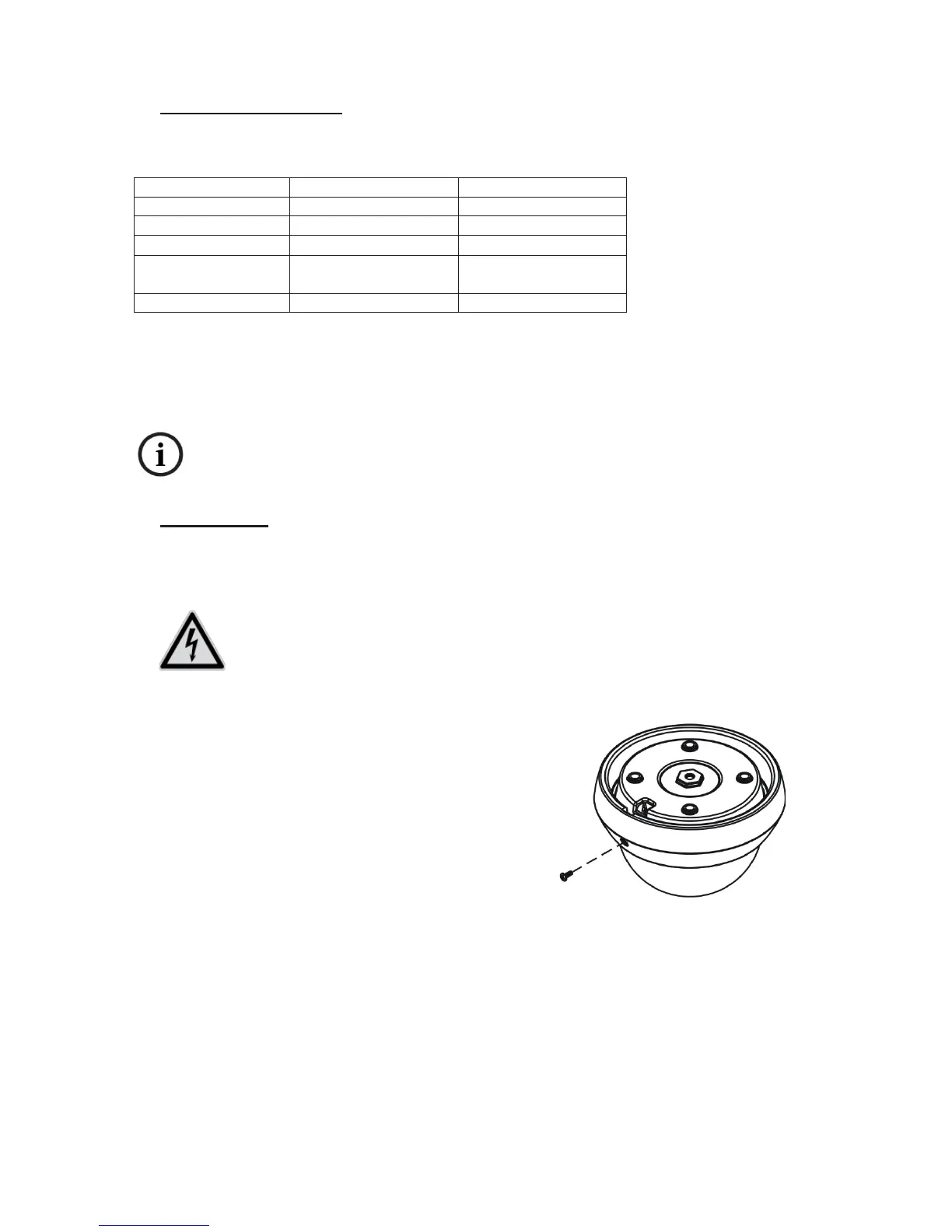
Before you remove the dome, it may be
necessary to remove the screw on the side.
The dome can then be unscrewed
counterclockwise with the dome ring.
Hold the camera at the intended installation
location, mark the mounting holes on the
surface, and drill the holes with a suitable drill.
Use the screws and wall plugs provided to
fasten the camera in place.
After you have mounted the camera and
aligned the camera module, the dome can be
screwed back on. Then refasten the dome with
the screw.



 To Next Page