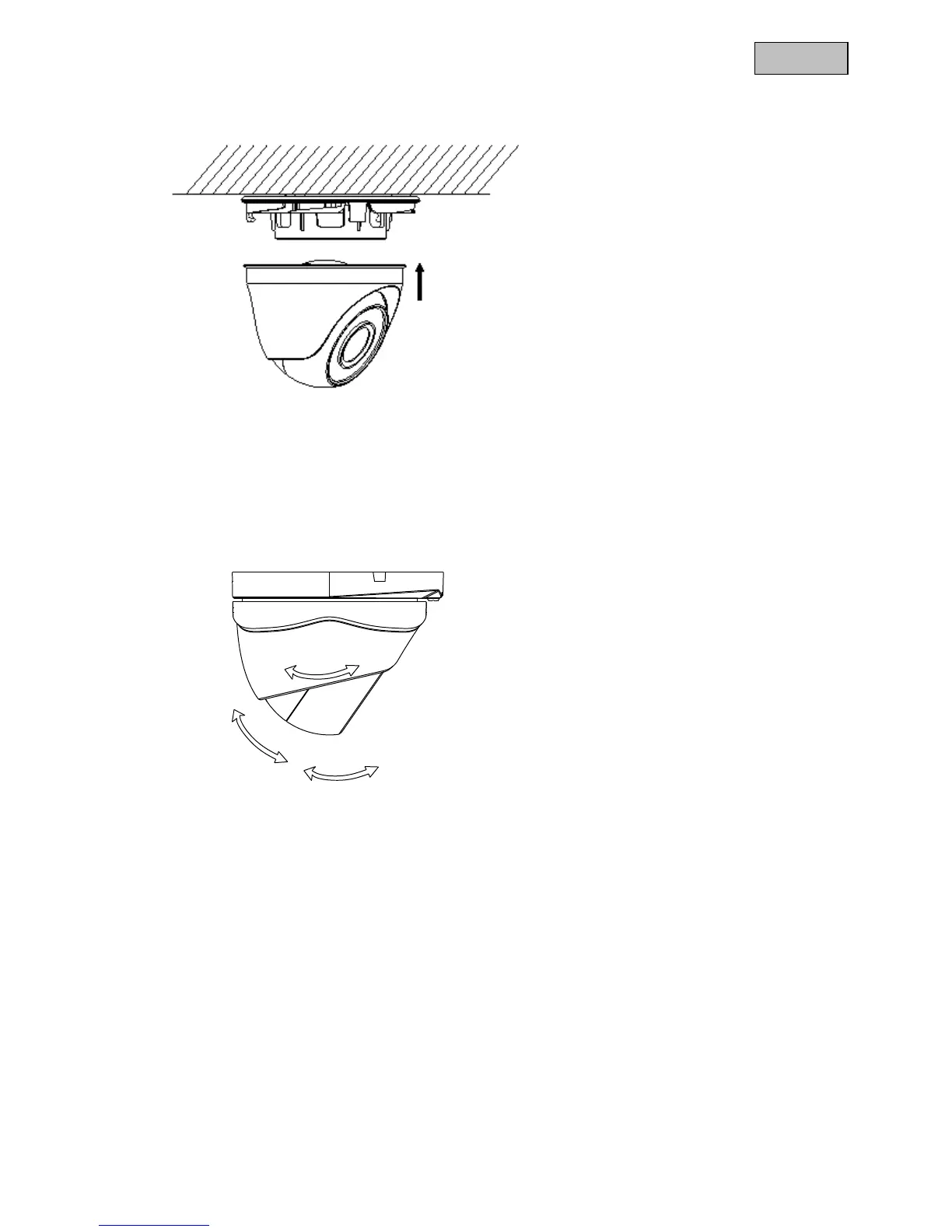
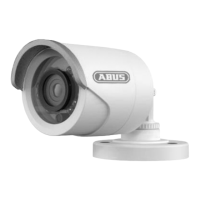
Guide the cable through the base plate, and when necessary, through the side opening. Then screw on
the camera cap and secure with the fixing screws.
5.2 Aligning the camera
Loosen the fixing screws in order to align the camera.
The camera can now be aligned in 3 axes.
Please tighten the screws again when finished.



 To Next Page