4. Installation
Before starting:
Check the scope of delivery and ascertain that the Speed Dome is not damaged.
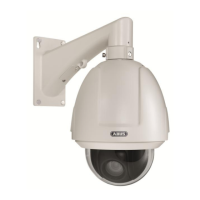
4.1 Installation on the wall TVCC81100
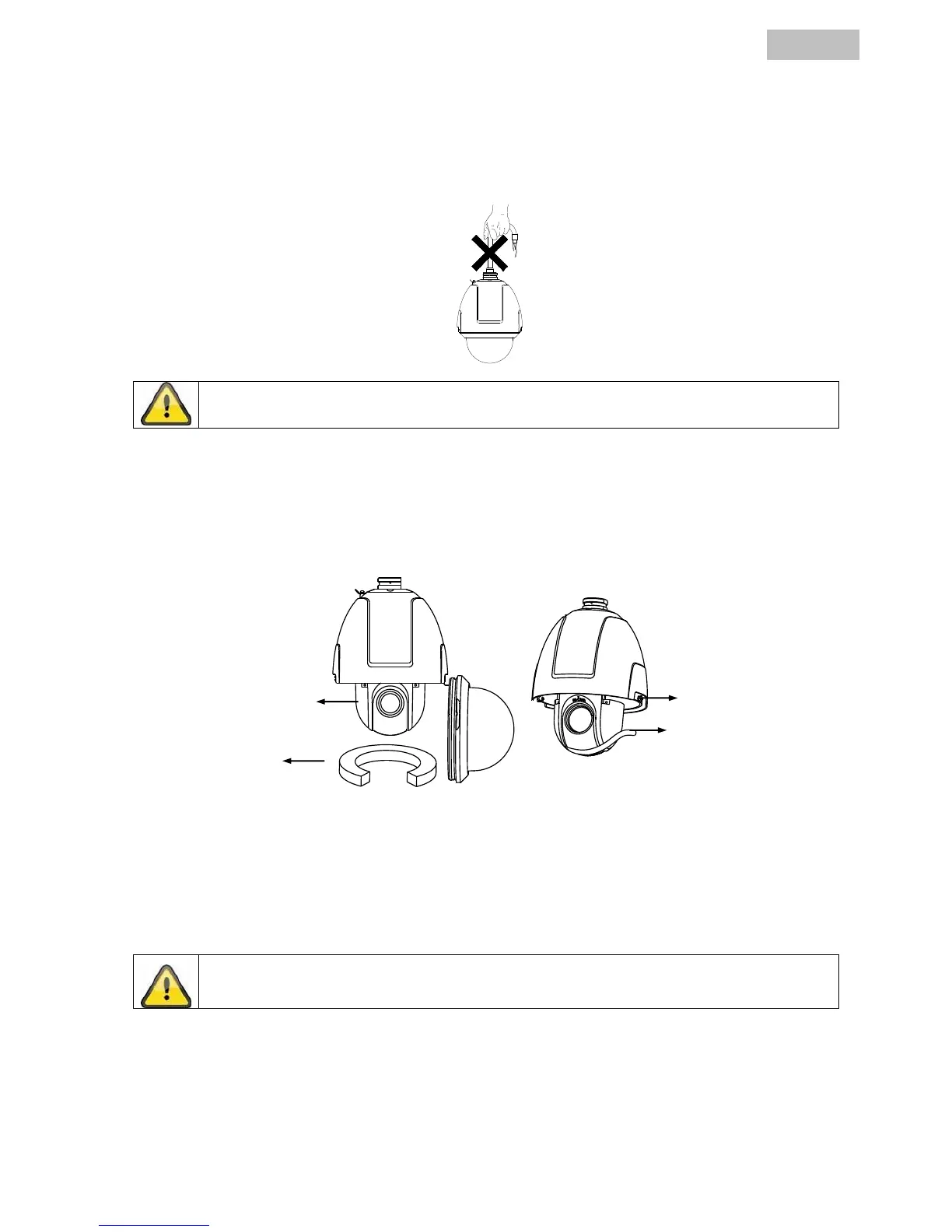
1. Undo both the locking screws on the side of the Speed Dome and then open the dome.
2. Remove the lens protector, the foam and the adhesive strips from the dome.
3. Remove the speed dome using the two securing springs at the side.
4. Configure the dome address, baud rate and other settings using the SW 1 and SW 2 DIP switches,
see description, point 3).
As the speed dome adapts automatically to PELCO-D and PELCO-P no setting with regard to
the protocol is required here.


 To Next Page