99
Protocol: Protocol type EAP-MD5 (only)
EAPOL version: Extensible Authentication Protocol over LAN, choice between version 1 or 2
User name: Enter the user name
Password: Enter the password
Confirm: Password confirmation
8.3.11 WiFi
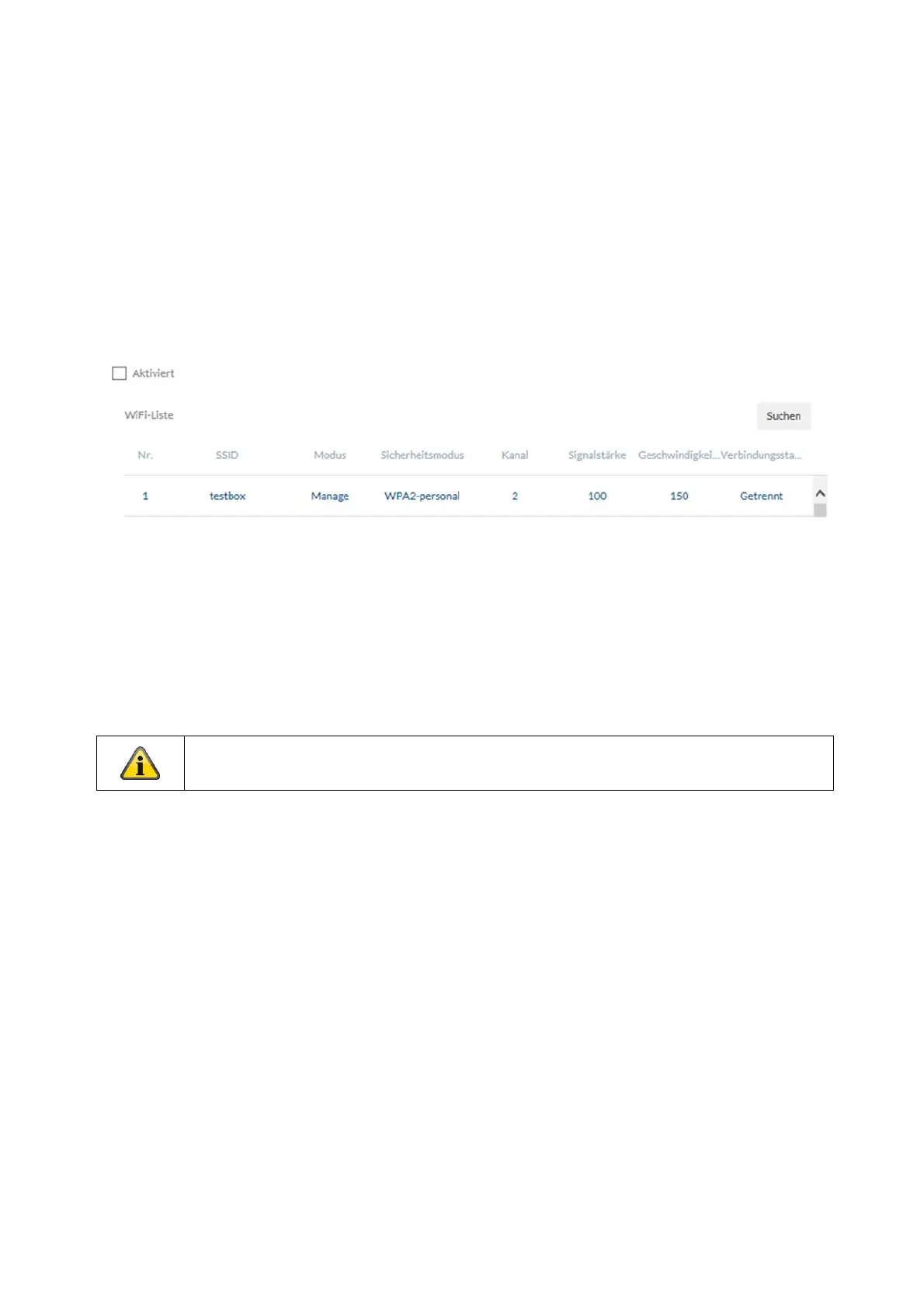
WiFi list: The available WiFi networks are displayed here. Click in a row to select a network.
SSID: (Service Set Identifier) Enter the name of the wireless network here.
Network mode: managed
Designates a network in which a central instance (wireless access point/router) coordinates and transmits
data from all network components.
Security mode: Select an encryption for the WiFi connection (recommended WPA2 personal).
Encryption Type: Select an encryption algorithm.
Key: Enter a password for the WiFi network.
Either the WiFi function or the WiFi hotspot function can be activated.



 To Next Page