5.5 Key lock
To activate the key lock, press and hold down button *6 “Key Lock / OK” for 4 seconds.
After a short signal (touch key lights up), the key lock for *4*5*7*8*12*14 is activated.
To deactivate this again, repeat the procedure.
5.6 Zoom function
Before using the zoom function, you must set the video-solution to 720p/60, 720p/30 or
WVGA. Only if you done this you could use the 4x digital zoom with the buttons *4 for
“Zoom In” and *8 for “Zoom out”.
5.7 Resetting the hardware
If the product you have purchased has frozen and no longer responds to the
commands, then press the reset button *13. To press this, use a thin, but not pointed
object such as a paper clip, to get to the reset button *13. This is located at the side of
the device and marked Reset. Press this for about 5 seconds.
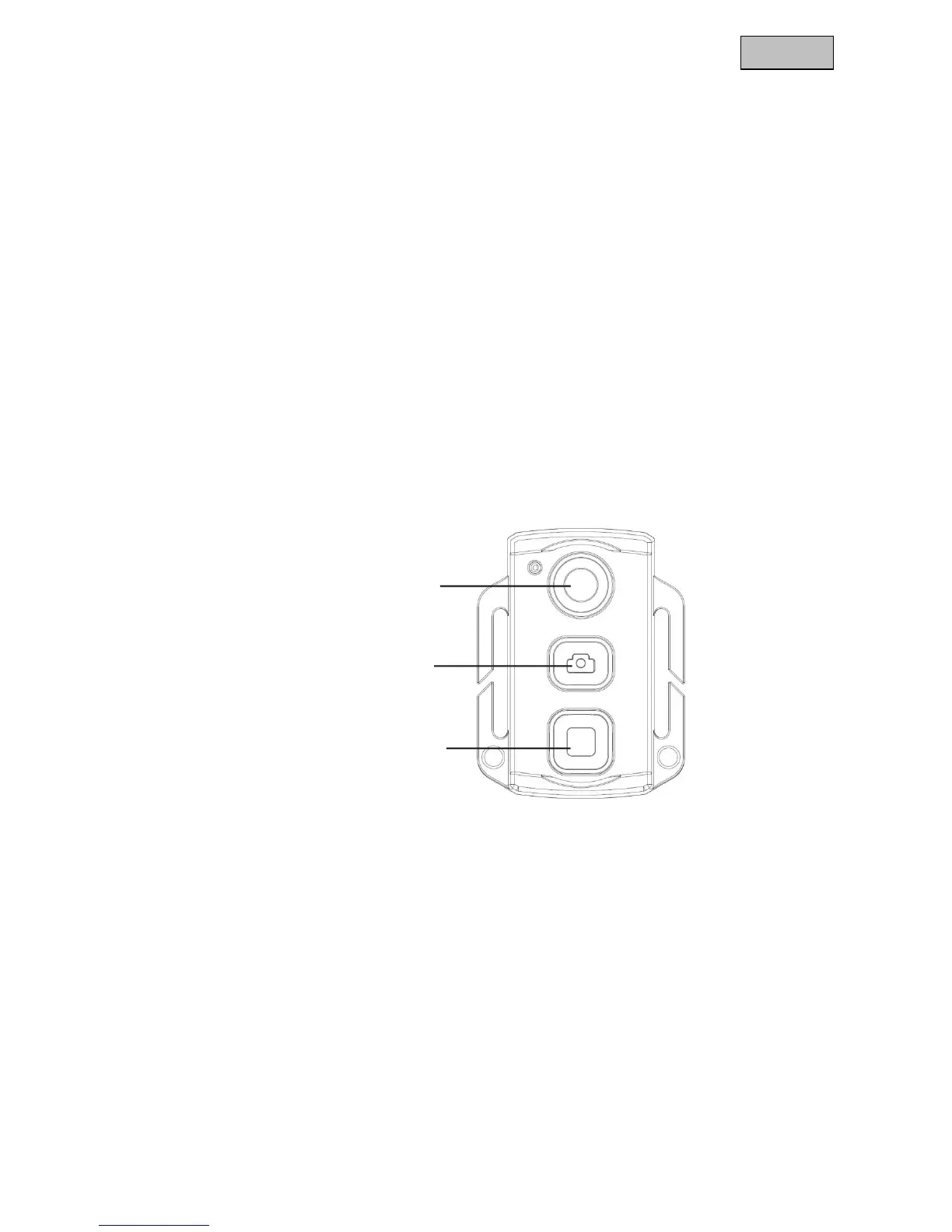
6. Remote control
To train a remote control for a camcorder, follow the following steps:
1. Switch off the TVVR11002 camcorder and hold down the OK button *6. Switch on
the device by
holding down the button. Once the device has started, release the OK button.
2. On the remote control, press the Start recording and Stop recording buttons at the
same time for 4
seconds to finish the training.
Note:
The distance between the remote control and camcorder can be approx. 5
metres depending on the surroundings.



 To Next Page
 Loading...