122
Italiano
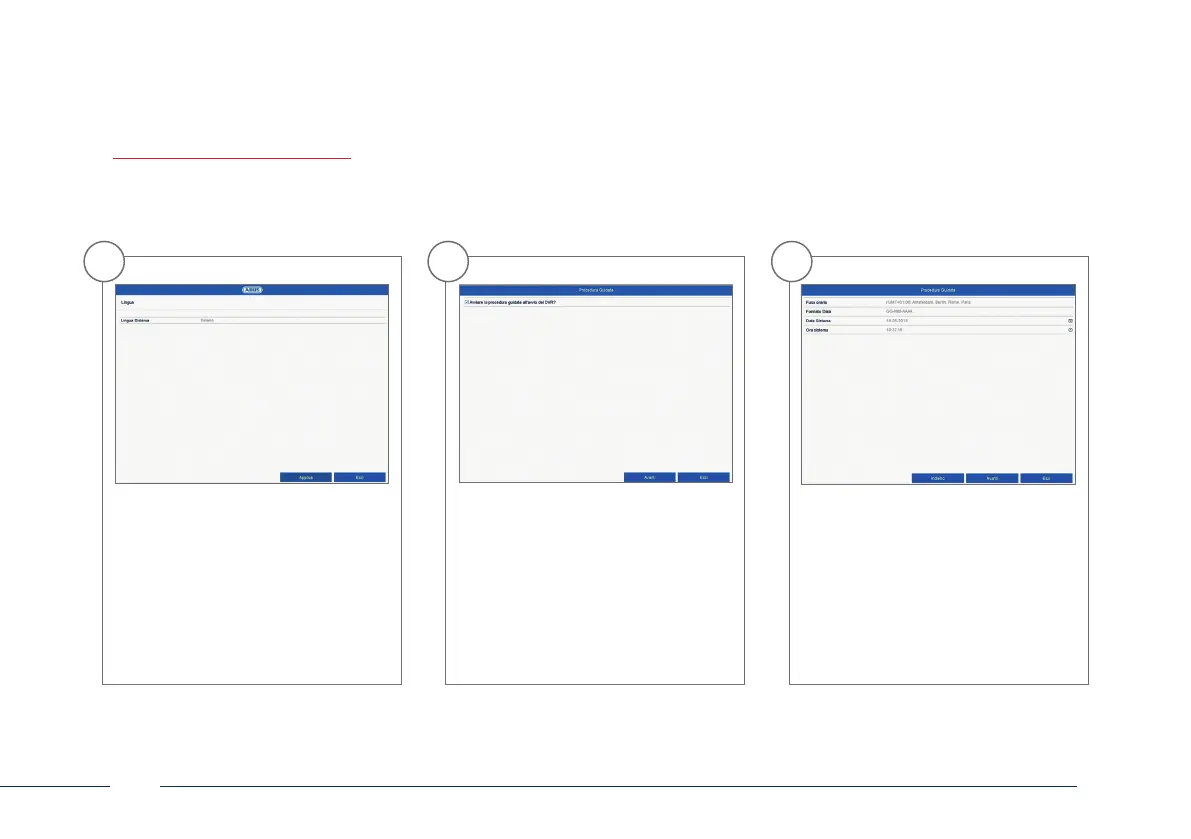
1
Selezionare la lingua desiderata e
cliccare su "Applica".
2
Se si toglie il segno di spunta,
l’assistente alla congurazione non
verrà più eseguito automaticamente al
prossimo avvio. Fare clic su “Avanti”.
3
Denire il fuso orario, il formato data,
la data e lora del sistema. Per uscire
dalla schermata
fare clic su "Avanti".
CONFIGURAZIONE DEL SOFTWARE



 To Next Page