125
Italiano
11
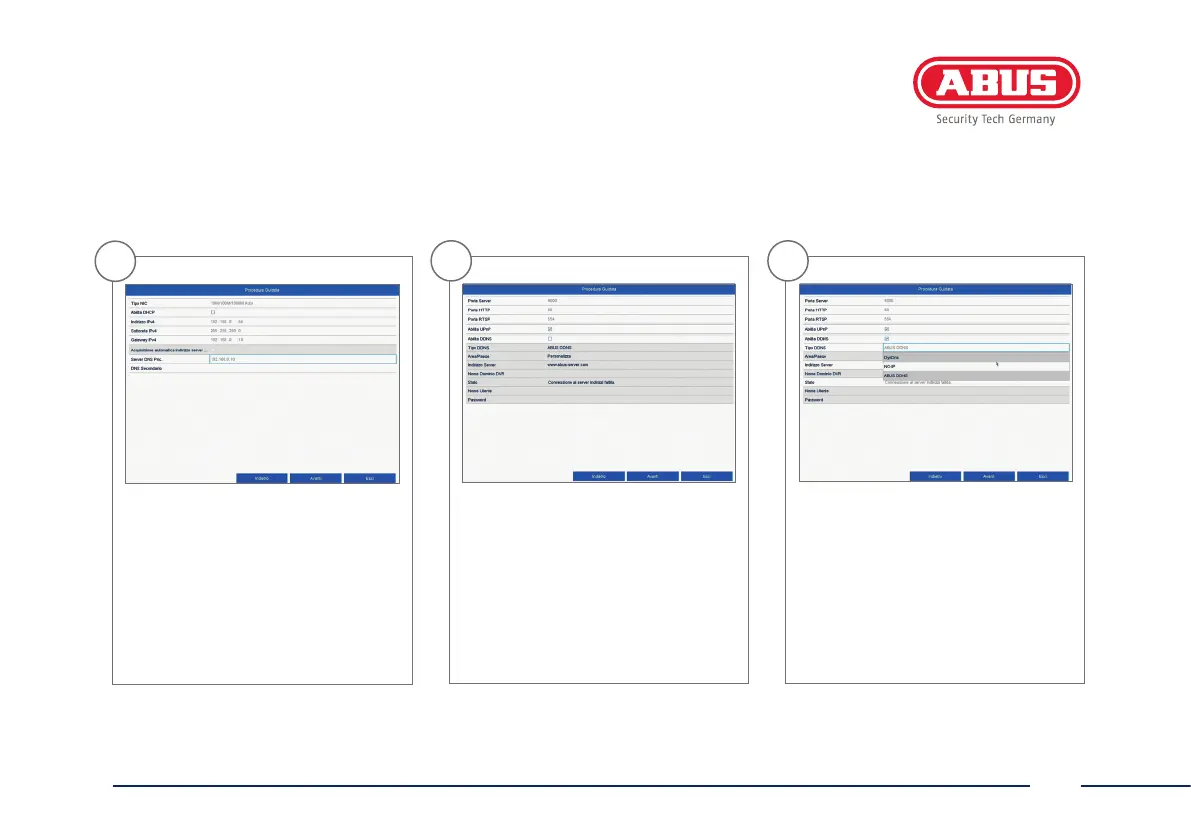
In questa schermata si possono gestire
e alloccorrenza modicare le porte. Il
nostro consiglio è di mantenere i valori
di default.
12
Se si desidera congurare un accesso
remoto, inserire un segno di spunta
nel campo DDNS. Selezionare poi i tipi
DDNS dal campo di immissione.
10
Il Server DNS "converte" un indirizzo
Internet in un indirizzo IP. In Server
DNS Pric. inserire il valore del gateway
di default.



 To Next Page