30
English
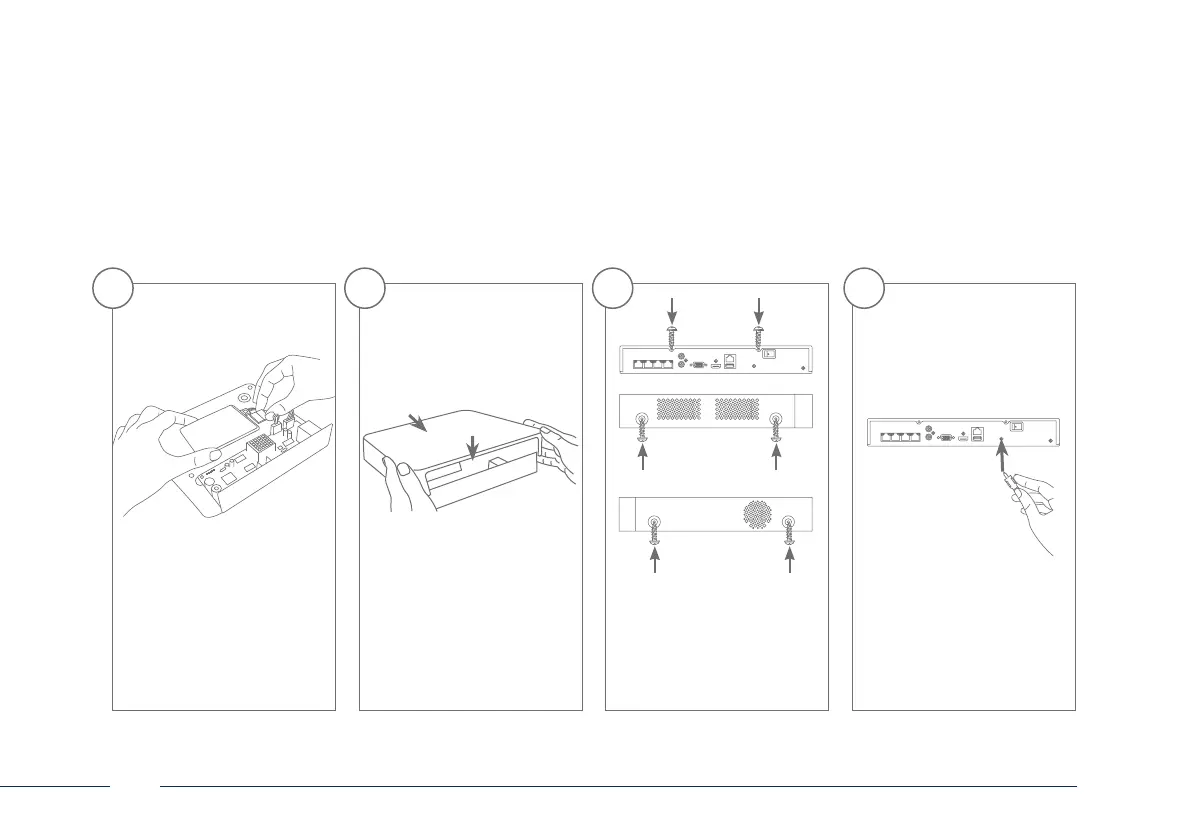
Connect the hard disk drive
to the motherboard with
the data cable (small plug)
and the power cable (large
plug).
Now place the box along
the guide rails over the base
plate of the recorder.
Then secure the box and
the base plate with the six
screws.
Connect the power supply
unit and switch the recorder
on using the on/o switch.
5 6 7 8



 To Next Page