
 Need help?
Do you have a question about the AC Infinity AIRCOM S6 and is the answer not in the manual?
Connect the power adapter to a power outlet and the cooling fan system.
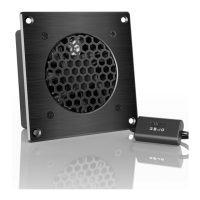
Place the cooling system on your AV component and configure settings for S and T series.
Detailed explanation of ON, AUTO, SMART, and OFF modes for the S series.
How to adjust and set fan speeds in ON, AUTO, and SMART modes.
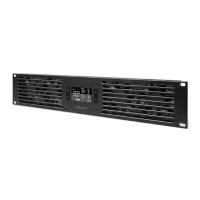
Initial setup, and details on ON, AUTO, OFF, and SMART modes for the T series.
Alarm configuration, temperature unit selection, variation buffer, and controller lock for T series.
 General
| Model | AIRCOM S6 |
|---|---|
| Fan Size | 120mm |
| Fan Quantity | 6 |
| Power Connector | 4-Pin PWM |
| Power Supply | 12V DC |
| Temperature Sensor | Yes |
| Display | LCD |
| Number of Fans Supported | 6 |
| Features | LCD Display |
| Control Type | Manual, Automatic |
| Controller | Fan Controller |
| Power | 12W |


 To Next Page