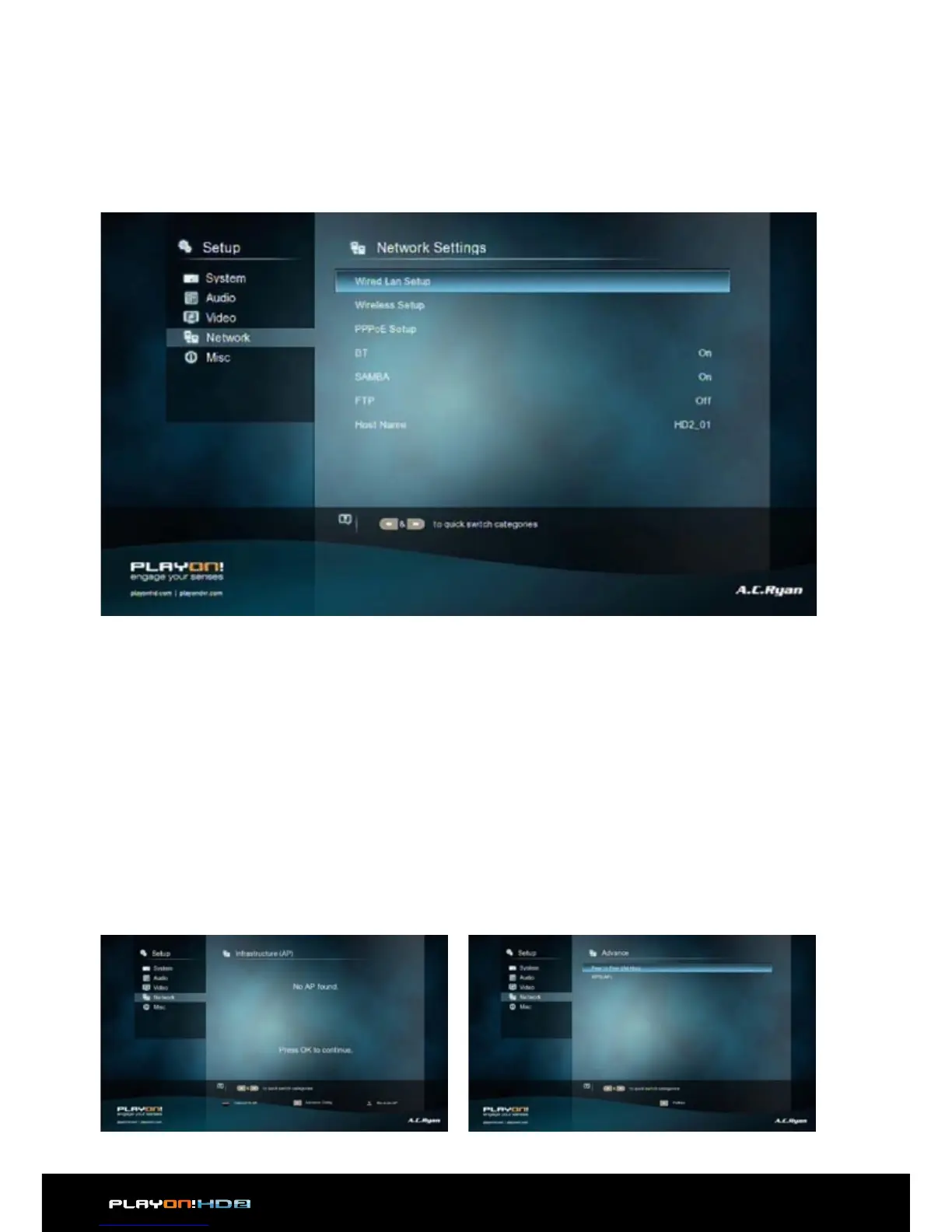
3.1.4 Network
Use this menu to configure your local network settings.
Wired Lan Setup
• DHCP IP (AUTO)
Select to obtain IP address automatically (DHCP must be enabled on your
Router).
• FIX IP (MANUAL)
Select to manually input the IP Address, Subnet Mask, Default Gateway, and DNS
Server IP Address.
Wireless Setup
There are 3 modes for you to select, Infrastructure (AP) and Peer to Peer (Ad Hoc)
and WPS (AP) mode. Follow the prompting message on the screen and press Play
button to choose Peer to Peer (Ad Hoc) or WPS (AP) mode.


 To Next Page