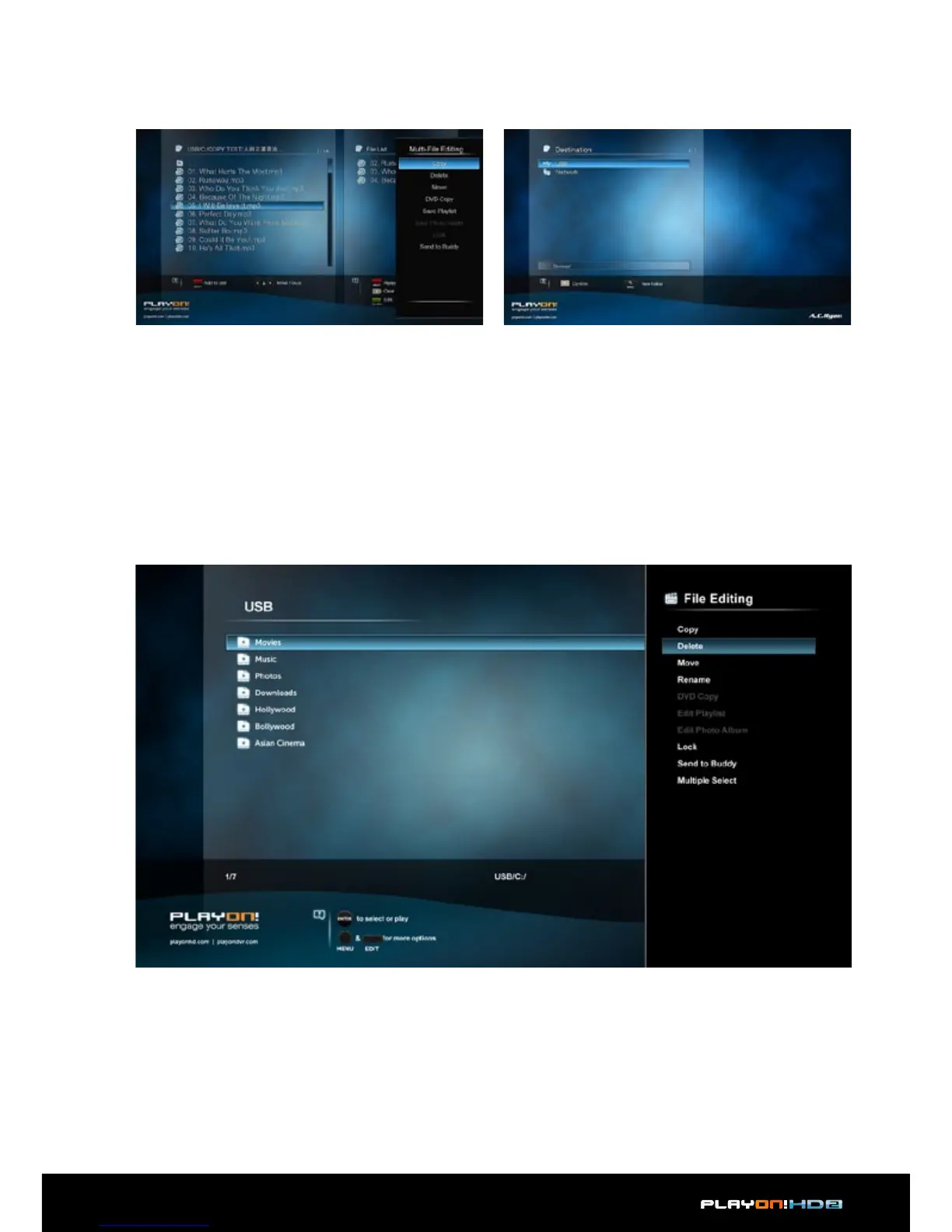
• Step 3, press Green button to enter multi-file editing menu.
• Step 4, Select destination, and then follow the prompt on screen to finish the
copy process.
3.7.2 Copy under File Manager
Press Edit button to enter file editing menu, choose Copy and follow the prompt
on screen to finish the process. If you want to select more files and folders, please
choose Multiple Select to enter the file selecting menu.


 To Next Page