
 Need help?
Do you have a question about the ACASIS M03 and is the answer not in the manual?
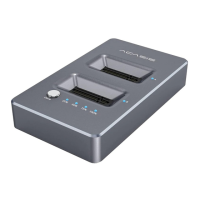
Identifies and labels the key components and ports of the docking station, including buttons, slots, and connectors.
Addresses issues where the cloned target drive is offline due to signature collision, providing steps to bring it online.
 General
| USB-A Ports | 2 |
|---|---|
| HDMI Output | 1 |
| Ethernet Port | 1 |
| Power Delivery | 100W |
| Data Transfer Rate (USB-C) | 10Gbps |
| SSD Compatibility | M.2 NVMe SSD |
| Material | Aluminum |
| Interface | USB-C |
| Supported SSD Length | 2230/2242/2260/2280 |
| Data Transfer Speed | 10Gbps |
| Ports | USB-C, USB-A, HDMI, Ethernet |
| Compatibility | Windows, macOS |

 To Next Page