7 VITAL Installation and User Guide
CHECK CONNECTIVITY
HOW TO ENTER SSID AND PASSWORDS (only for Wi-Fi units)
FINAL VERIFICATION
Step 1: Ensure the device is in range with a gateway.
Step 2: While in Menu, navigate to “Connectivity”.
Step 3: Press “OK”.
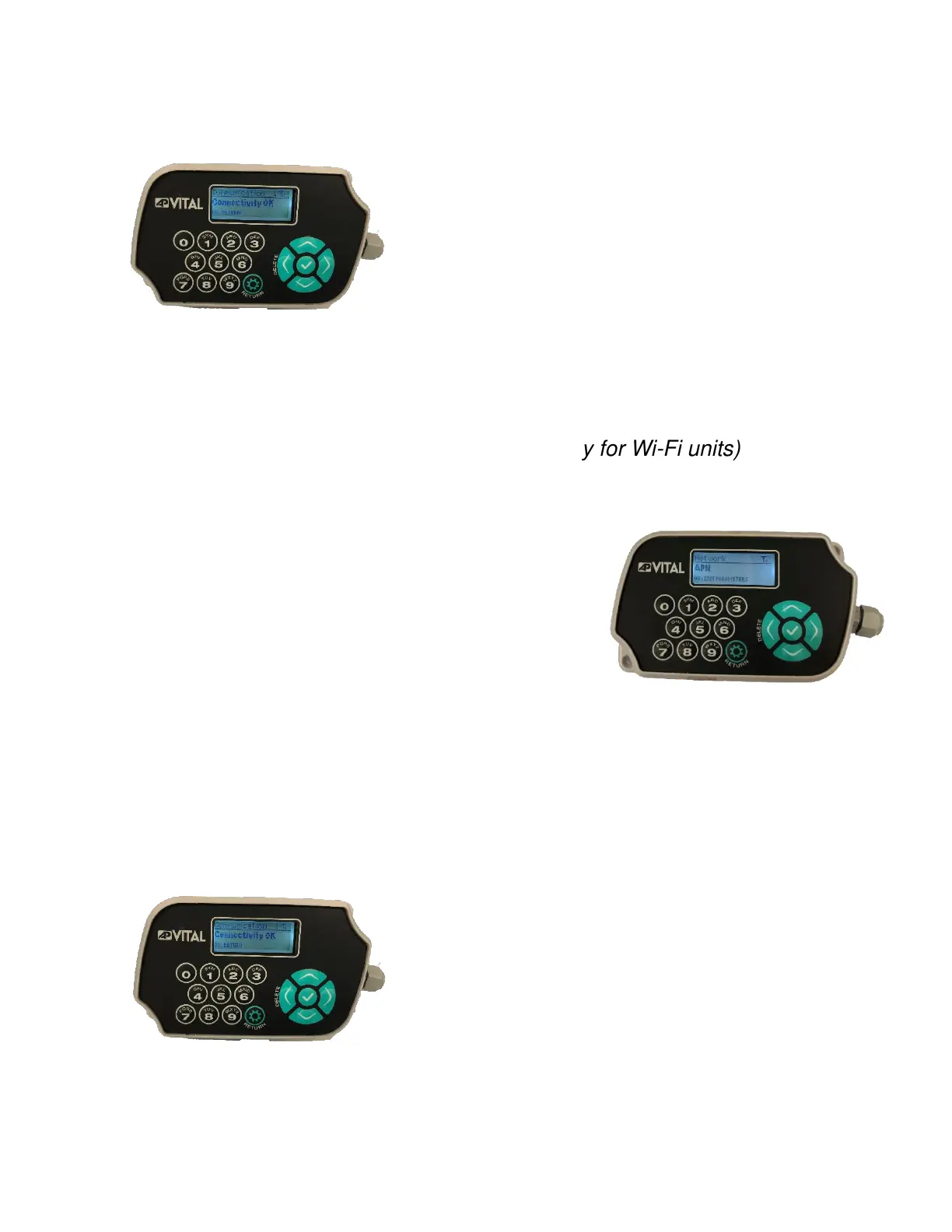
Step 4: Wait a few seconds. If connectivity is successful, it
should say “Connectivity OK”.
Step 1: Using the arrow keys navigate to the “Network” option.
Step 2: Press “OK”.
Step 3: Enter the SSID number and press “OK”.
Step 4: Enter the password and press “OK”.
Step 5: Next, using the arrow keys navigate to the “Security”
option.
Step 6: Select “WPA-2 Personal” and press “OK”.
Step 1: Log in to the unit with the keypad.
Step 2: While in Menu, navigate to “Connectivity”.
Step 3: Press “OK”.
Step 4: Wait a few seconds. If connectivity is successful, it
should say “Connectivity OK”.
Step 5: Make sure to check for the network bars, if the bars
appear on the top of the screen then the device is
communicating to AssetPro 360.


 To Next Page