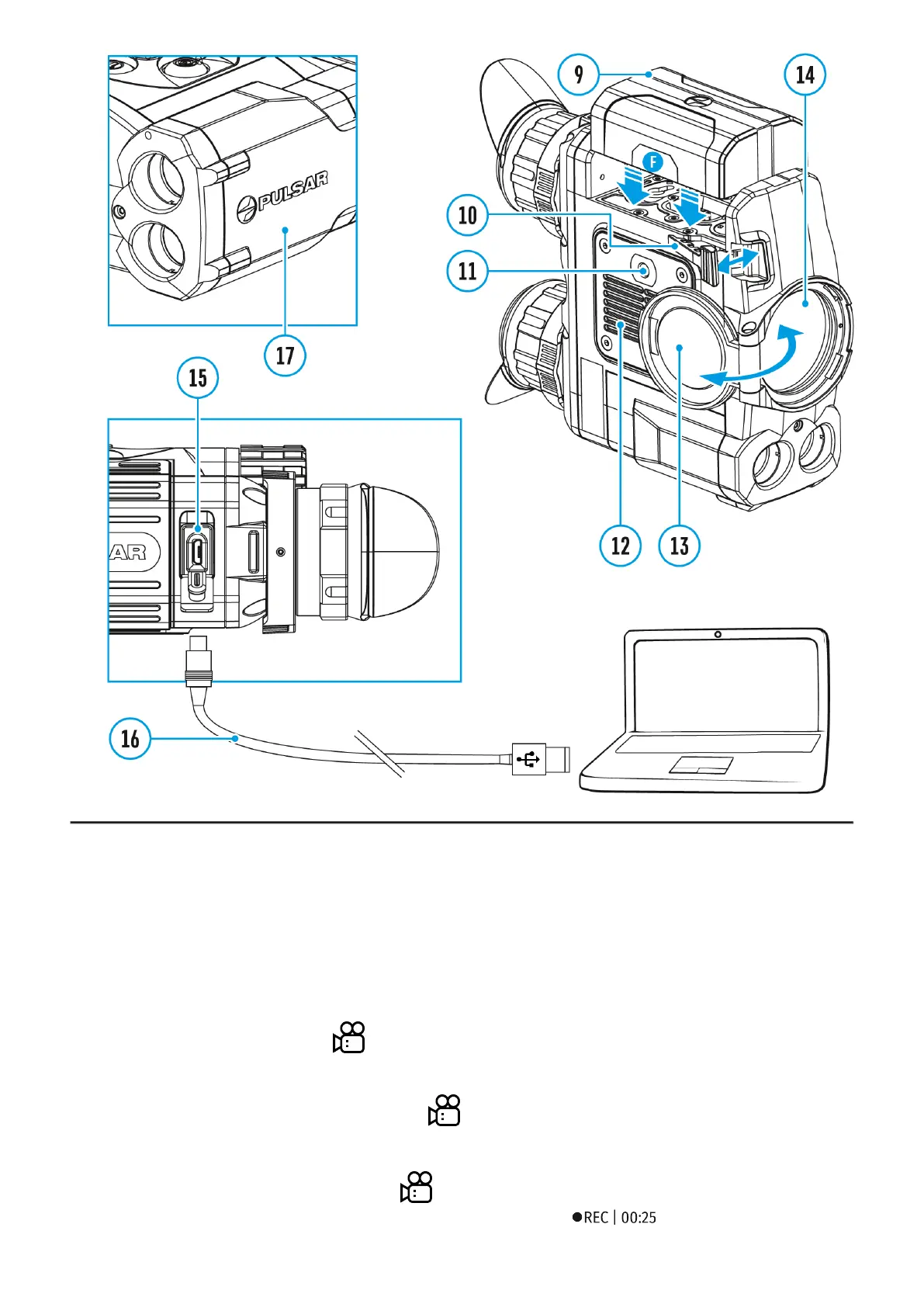
Accolade 2 LRF Pro thermal imaging binoculars feature video recording and photography of
the image being ranged to the internal memory card.
Before using this feature, please read the Date and Time subsections of the section General
Settings.
The built-in recorder operates in two modes - Video and Photo.
Video mode. Video recording
1.
Switch to Video mode by pressing and holding the REC (4) button.
2.
In the top left corner you will see icon and remaining recording time in the format
HH:MM (hours: minutes).
3.
Start video recording with a short press of the REC (4) button.
4.
Upon start of video recording icon disappears, and icon REC and recording timer in
the format MM:SS (minutes : seconds) appear instead: .


 To Next Page