11
Setting the Room Temperature (Setpoint Temperature)
Step 1: Press one of the arrow buttons; the current temperature setting displays.
Step 2: Press the or arrow button until the desired temperature setting displays.
The new temperature setting is automatically saved. After 5 seconds, the display returns to showing the
current room temperature.
Setting a New Temperature Differential
The default temperature differential is 1°. When your room temperature varies by 1°F, the thermostat
turns your system on. If you notice your system turning on and off too frequently, increase the
temperature differential.
Step 1: Remove cover. Insert a coin or screwdriver in slot at the top if needed.
Step 2: Press the Reset button once (see diagrams on Page 1).
Step 3: When Diff01 displays, press the or arrow buttons to select the desired dirrerential setting.
Step 4: Replace the thermostat cover.
Starting the Thermostat
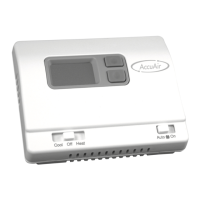
Step 1: Move the Fan Auto/On switch into the Auto position.
Step 2: Move the Cool/Off/Heat switch to Cool or Heat, depending on the season.
Operation


 To Next Page
 Loading...