10
The user has the option to customize the UV light intensity of the detector based on his
specic needs. Press the UV button to turn the UV ON, then keep pressed down the UV
or WM button to increase or reduce the UV leds light intensity. The new light intensity will
be used from now on until the user decide to change it again using this same procedure.
4. UV Light Intensity Adjustment
Increase
Intensity
Reduce
Intensity
WM
UV
5. Cleaning and Maintenance
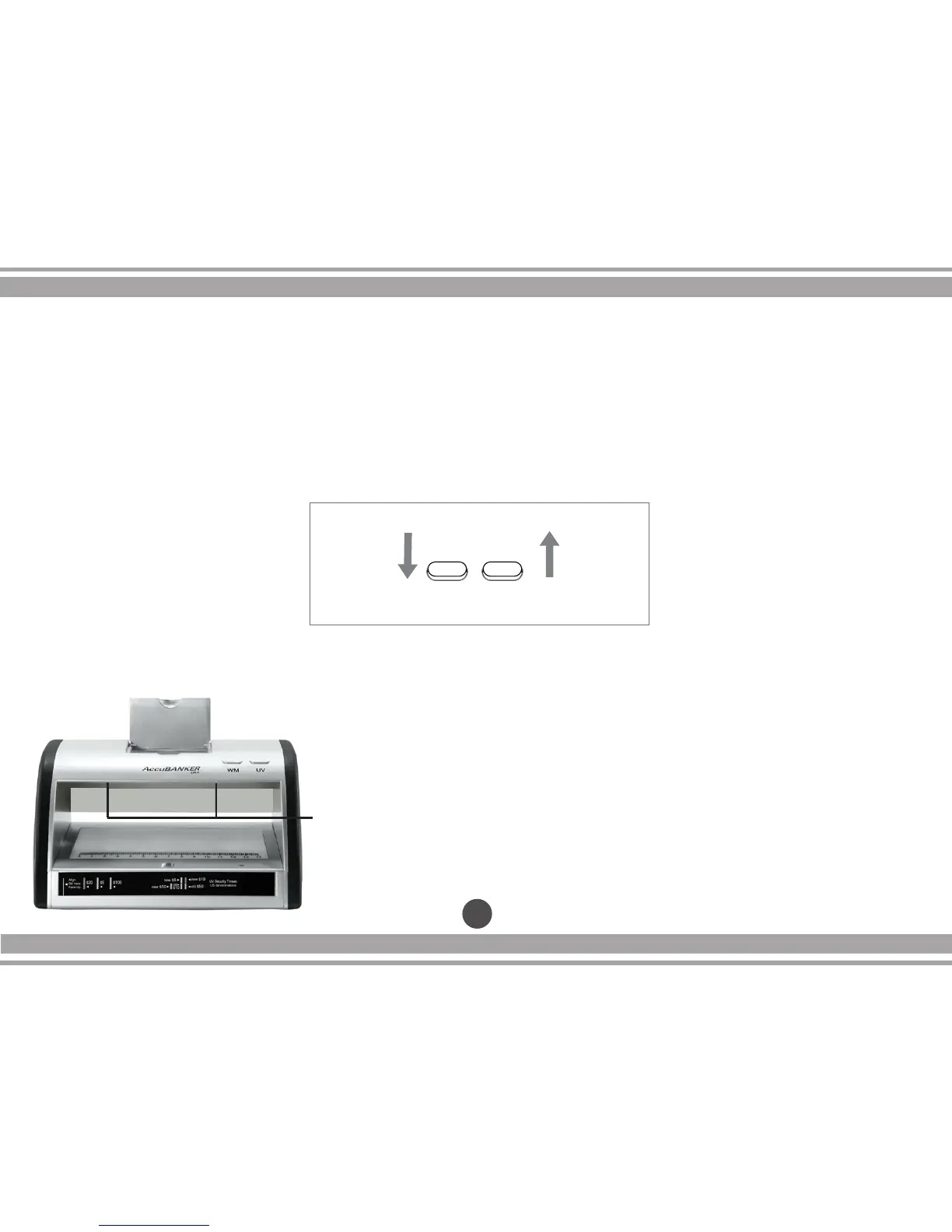
- Keep the activator sensor and the verication window
clean of dust or any other type of dirtiness, use a dry
cloth for this.
- Keep the MG head and Magnier clean, use a dry
cloth for this (for LED430 model).
NOTE: Be careful with the UV LEDs located inside
on the upper section, do not hit them by mistake.
UV
LEDs



 To Next Page