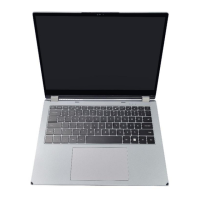
Battery
Handle used batteries carefully. Do not damage the battery in any way; a damaged battery
may release hazardous materials into the environment. Do not discard a used battery in
the garbage or a public landfill. Please comply with the regulations set up by your local hazardous
waste management agency to dispose of your used battery properly.
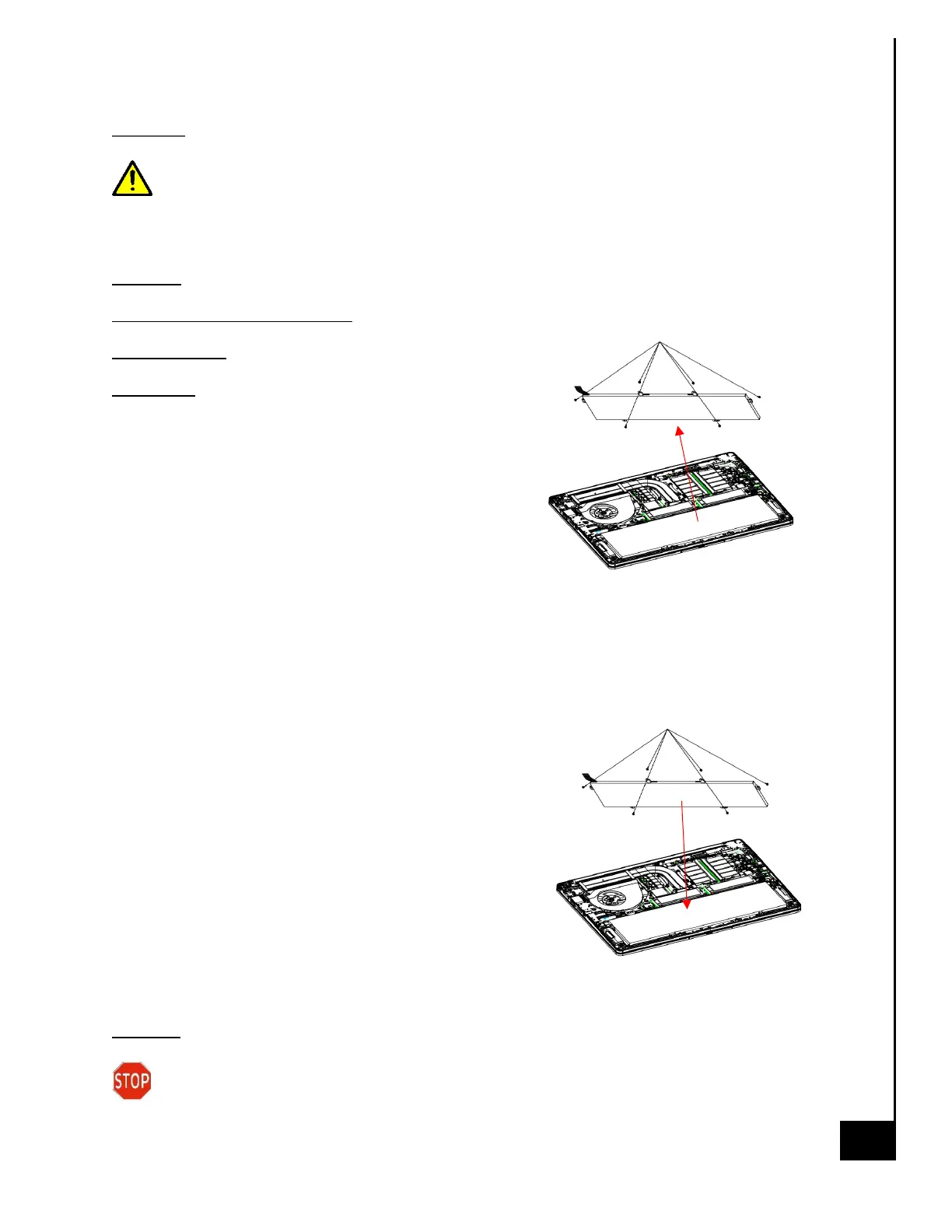
Location: The battery is located on the bottom rear of the laptop, see illustration below.
Type and number of fastenings: four Phillips head screws
Tools required: Philips screw driver
Procedure:
Step 1: Ensure the computer is off, unplugged, and any
potential energy is dissipated. Turn the laptop over.
Step 2: Remove bottom chassis cover.
Step 3: Remove Battery Maly.
Step 4: Disconnect Battery Cable from JBATTERY on
system board.
Step 5: Remove four M2. 0x3 5x4.0*T0.5 black Philips head screws securing Battery.
Step 6: Remove Battery
Reinstallation
Step 6: Turn the computer off, and turn it over
Step 7: Place Battery into the compartment. Align four
M2. 0x3 5x4.0*T0.5 black Philips head screws, tighten
to secure Battery.
Step 8: Connect Battery Cable to the JBATTERY on
system board.
Step 9: Replace Battery Maly.
Step 10: Replace bottom chassis cover.
Disposal:
Selective Treatment/ Special Handling Per Annex VII, Directive 2012/19/EU: A lithium-ion
battery resides on the bottom rear of the laptop and a lithium-ion coin cell battery resides


 To Next Page
 Loading...