LCDI Power Cord and Plug
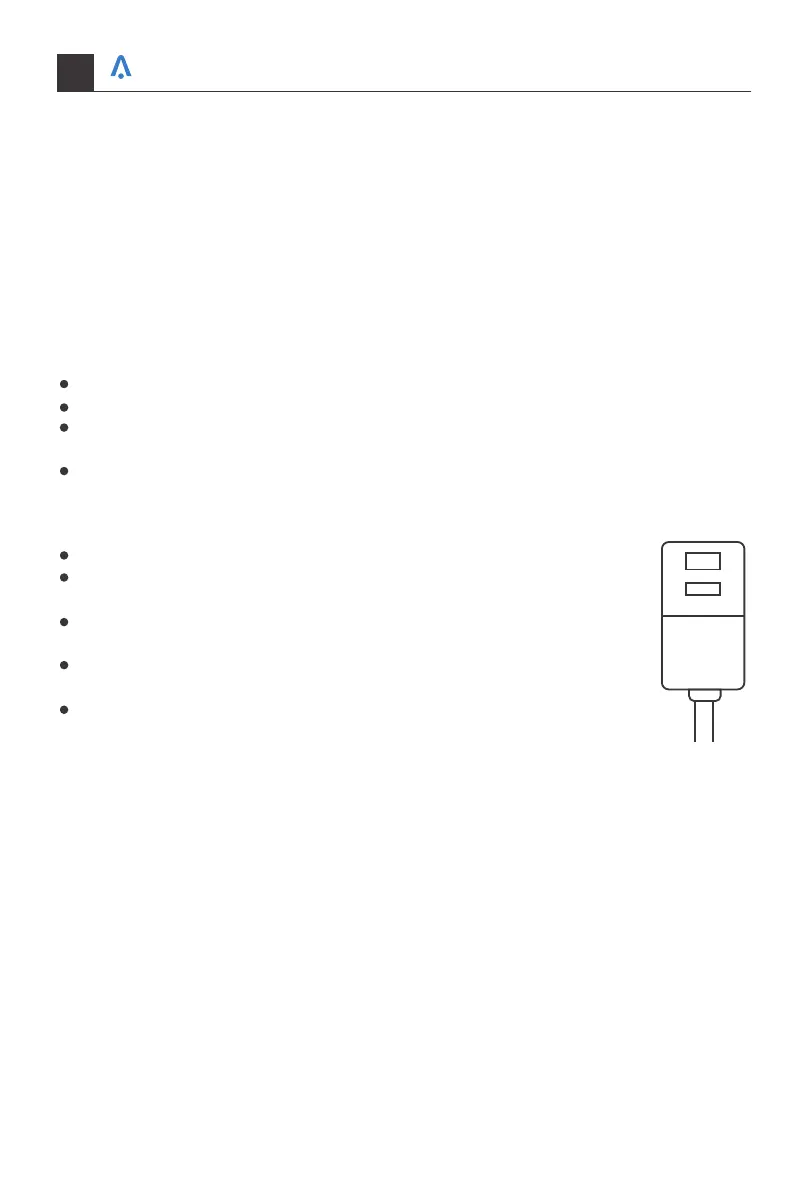
This air conditioner is equipped with an LCDI (Leakage Current Detection and Interrup-
tion) power cord that is requiredby UL. This power supply cord contains state-of-the-art
electronics that sense leakage current. If the cord is damaged and leakage occurs, power
will be disconnected from the unit.
The test and reset buttons on the LCDI Plug are used to check if the plug is functioning
properly.
To test the plug:
Plug power cord into a grounded 3 prong outlet
Press RESET (on some units a green light will turn on).
Press the TEST Button, the circuit should trip and cut all power to the air conditioner
(on some units a green light may turn off).
Press the RESET button for use. You will hear a click and the A/C is not ready for use.
The RESET button must be engaged for proper use.
The power supply cord must be replaced if it fails to trip when the TEST
button is pressed and the unit fails to rese.
Do not use the power supply cord as an ON/OFF switch. The power
supply cord is designed as a protection device.
A damaged power supply cord must be replaced with a new power
supply cord.
The power supply cord contains new user serviceable parts. Opening
the tamper-resistant case voids all warranty and performance claims.
TEST
RESET
NOTES:
NOTES: Your units power cord and plug may differ from the one shown.
Your home in sync
04


 To Next Page