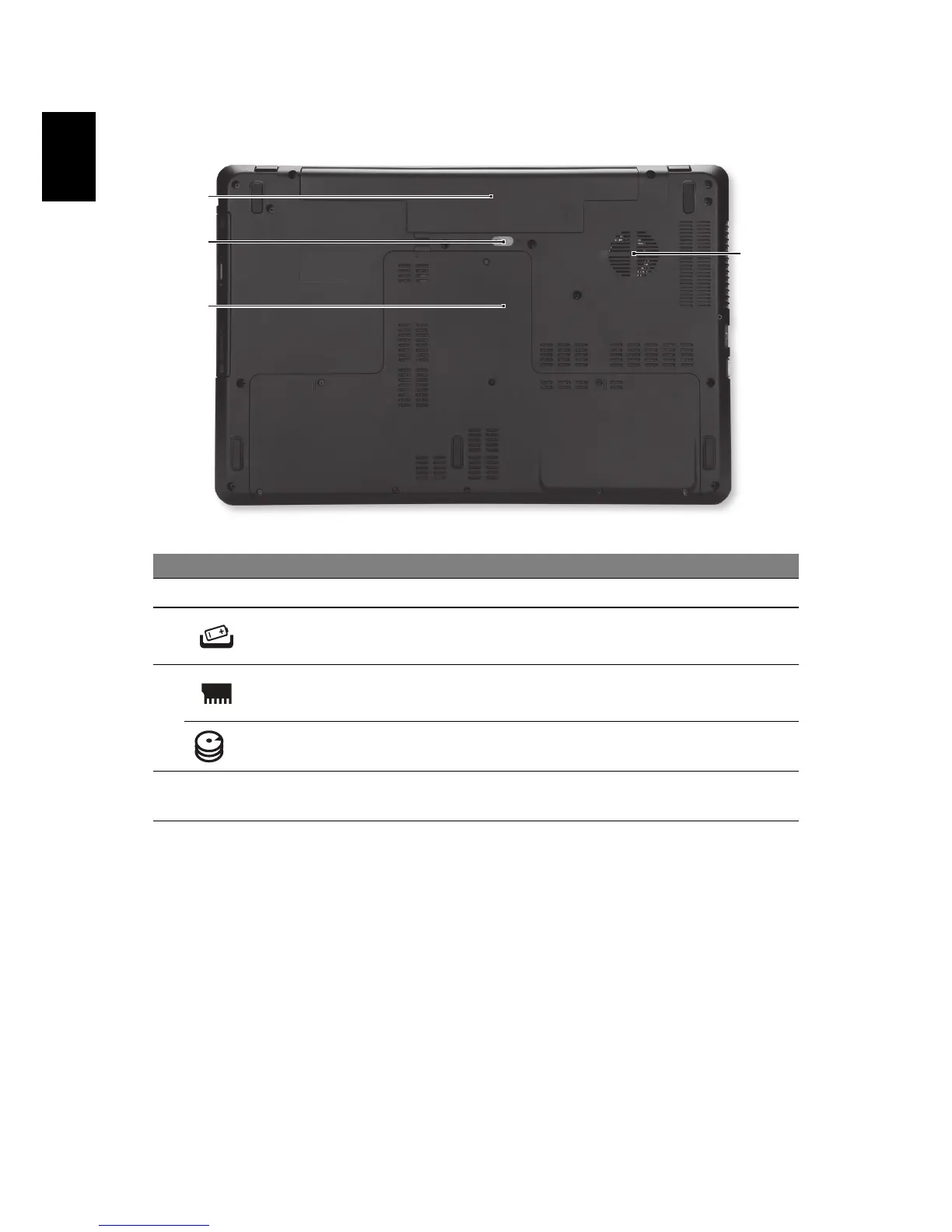
# Icon Item Description
1 Battery bay Houses the computer's battery pack.
2
Battery release latch
Releases the battery for removal. Insert a
suit
able tool and slide to release.
3
Memory compartment Houses the computer's main memory.
HDD compartment
Houses the computer's hard disk drive
memory
.
4
Ventilation and cooling
fan
Allows the computer to stay cool.
Do not cover or obstruct the openings.
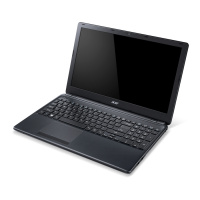
Using the keyboard
The keyboard has full-sized keys and a numeric keypad, separate cursor, lock,
Windows, function and special keys.



 To Next Page