A red toggle indicates the device is off. Click On to enable wireless/
Bluetooth connection. Click Off to disable connection.
Note: Communication devices may vary by model.
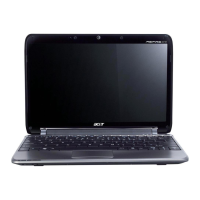
Closed front view
# Icon Item Description
1
Power indicator Indicates the computer's power status.
Battery indicator
Indicates the computer's battery status.
Charging: The light shows amber when the
battery is charging.
Fully charged: The light shows blue when in
AC mode.
Communication
indicator
Indicates the status of 3G/Wireless LAN
communication

 To Next Page
 Loading...