Need help?
Do you have a question about the Acer AT2621 and is the answer not in the manual?
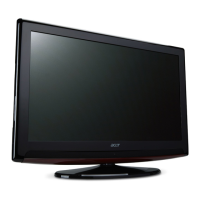
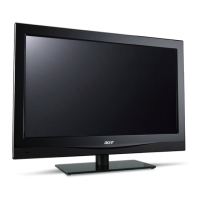
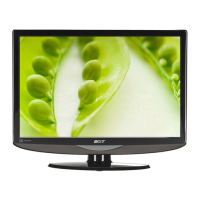
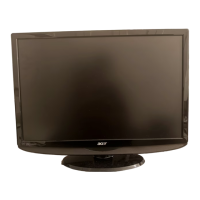
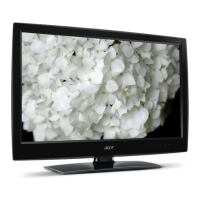
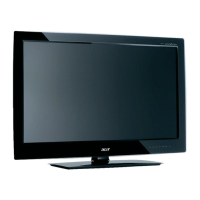
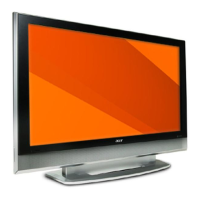
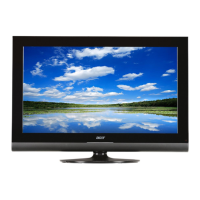
This document is a user's guide for Acer LCD TVs, specifically models AT4221/AT4222, AT3221/AT3222, and AT2621/AT2622. It provides comprehensive instructions for setting up, operating, and maintaining the television sets.
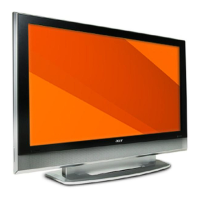
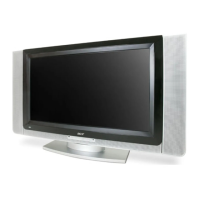
The Acer LCD TV is a display device designed for entertainment and information consumption. It functions as a television receiver, capable of displaying analog TV broadcasts. Beyond basic television, it serves as a central hub for various external audio/video devices, including DVD players, VCRs, set-top boxes (STBs), cameras, camcorders, video game consoles, and personal computers or notebooks. The TV features multiple input ports to accommodate these devices, allowing users to switch between different sources to view content. It also includes an integrated sound system for audio output.
The Acer LCD TV offers a range of features to enhance the user experience:
The user's guide provides troubleshooting tips to address common issues, which can be considered a form of user-level maintenance:
 General
| Resolution | 1366 x 768 |
|---|---|
| Aspect Ratio | 16:9 |
| Contrast Ratio | 800:1 |
| Response Time | 8 ms |
| Screen Size | 26 inches |
| Brightness | 500 cd/m2 |
| Input Ports | HDMI, VGA, Component, Composite, S-Video |

 To Next Page