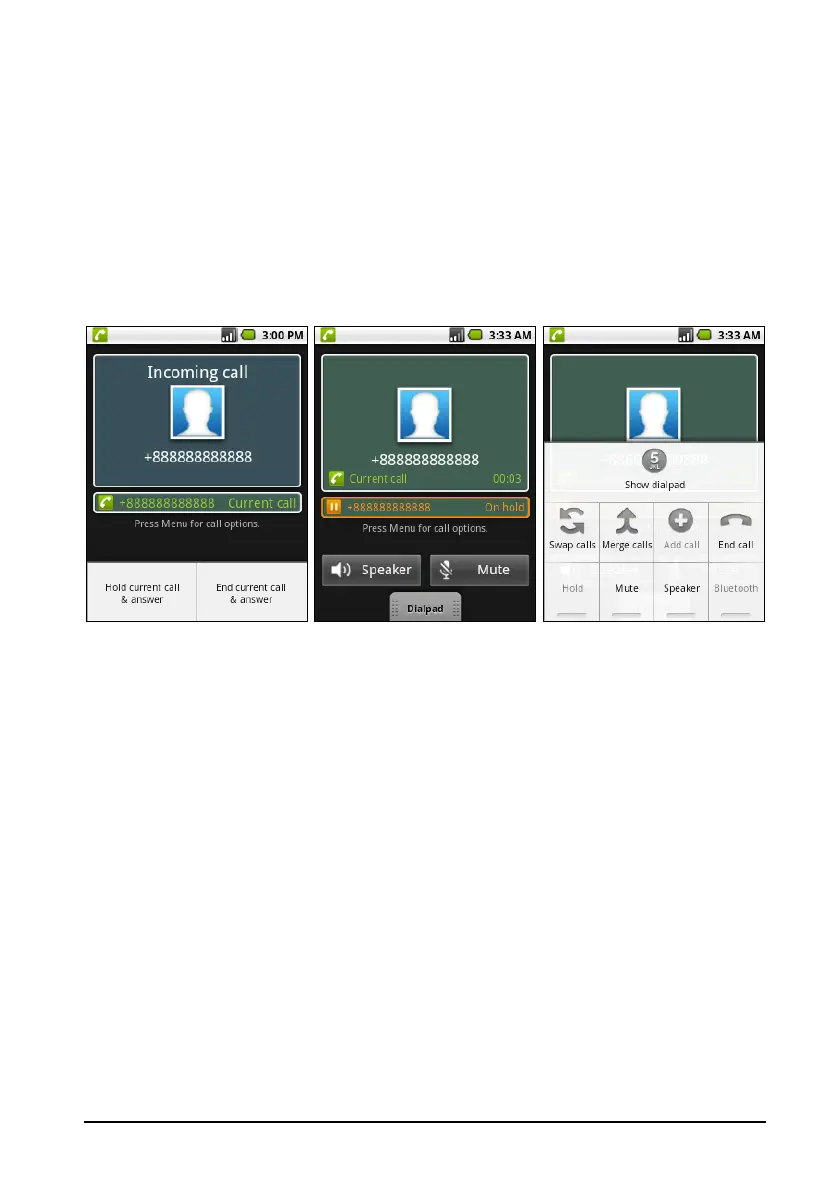
19Onscreen call options
Saving a dialed number to contacts
You can save a number you have dialed to your contacts for future use.
1. Select the number from the Call lo
g tab, and tap Add to contacts.
2. Tap Create new c
ontact and select how to complete the action. Please refer
to “Adding a contact“ on page 16.
Conference calls
If you have one call on hold and another online, you can combine both calls to
create a conference call.
After the first call is established, tap Ad
d call to add a second call. Tap Merge
calls to start the conference call.


 To Next Page