4
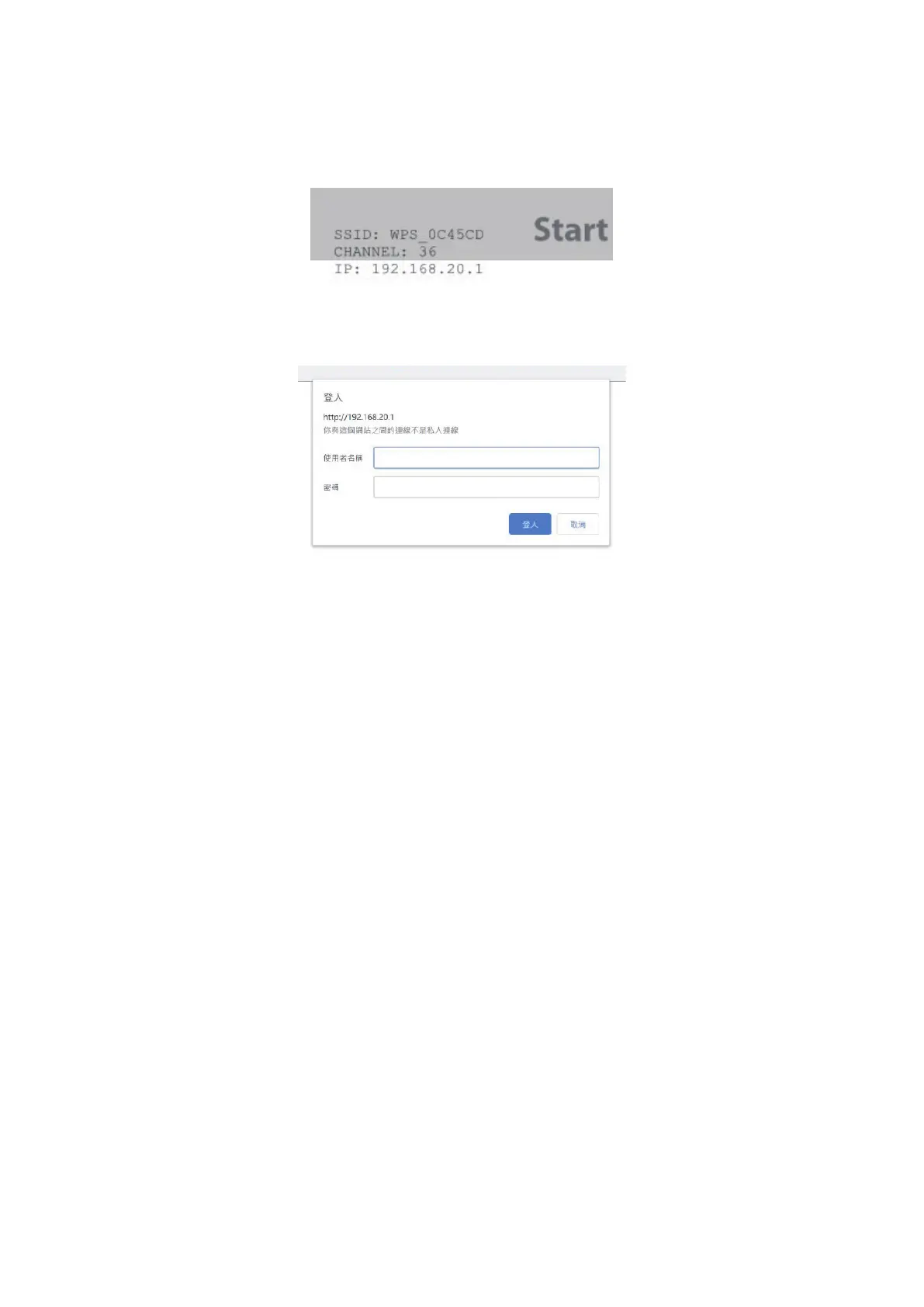
1.4 Once connected, open your web browser, entering the IP address at the URL
bar. The IP address will appear at the top left corner. Please note that the IP
cited below is for reference only, which may vary depending on the device.
1.5 Web Login Page will appear once it's successfully connected.
1.5.1 Username: the default is "admin".
1.5.2 Password: Input the password and enter the CastMaster Touch web
interface. The default is "admin".


 To Next Page