5
Web management page
The user will see all the function buttons in the left half of the page and the upper
right language menu.
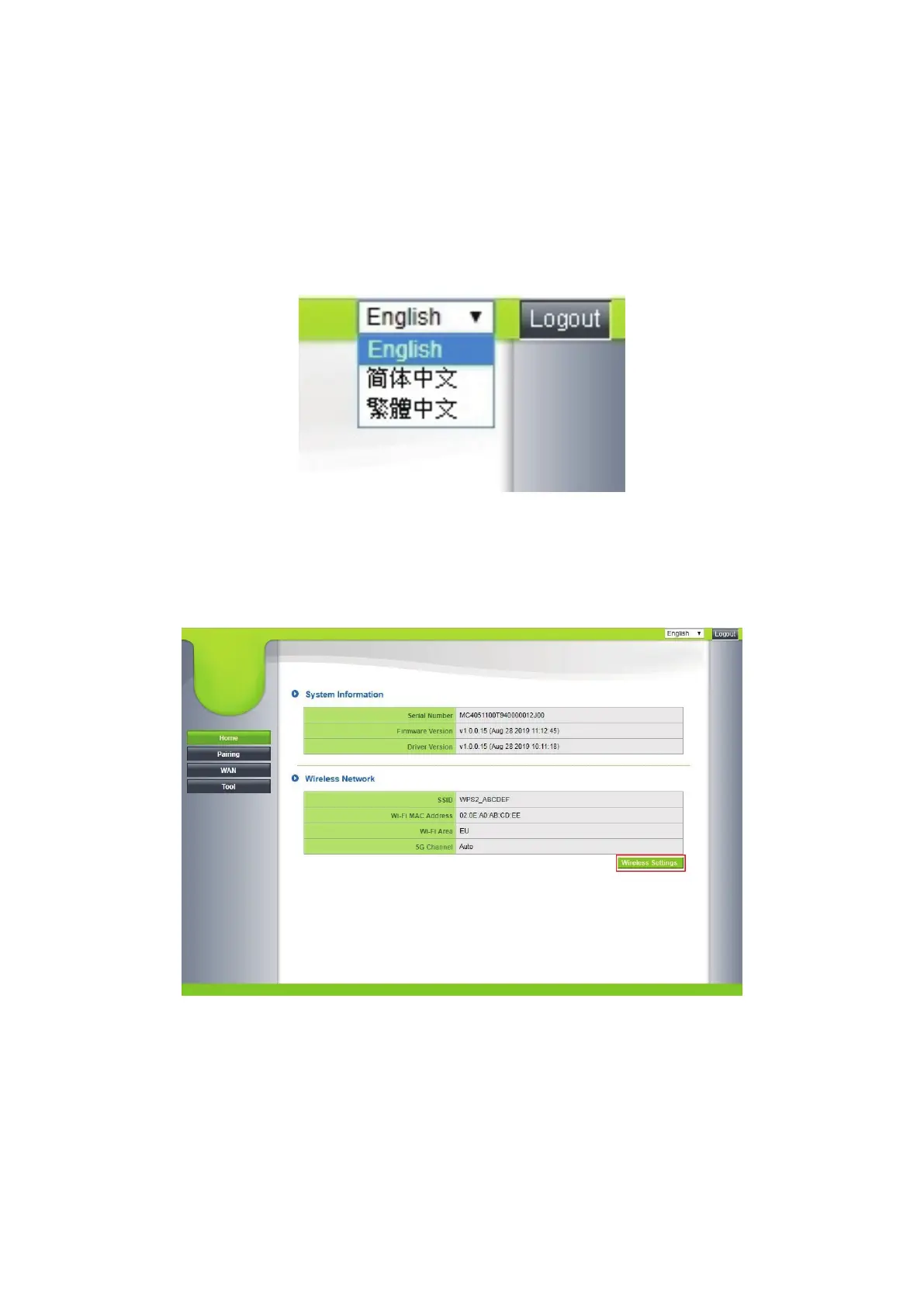
1. Language
Support English, Simplified Chinese, and Traditional Chinese.
2. Home
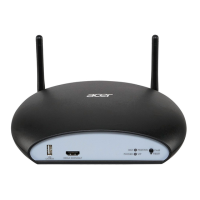
2.1 Press the Home button for system information, wireless network details, and
wireless network settings (bottom right)


 To Next Page