6
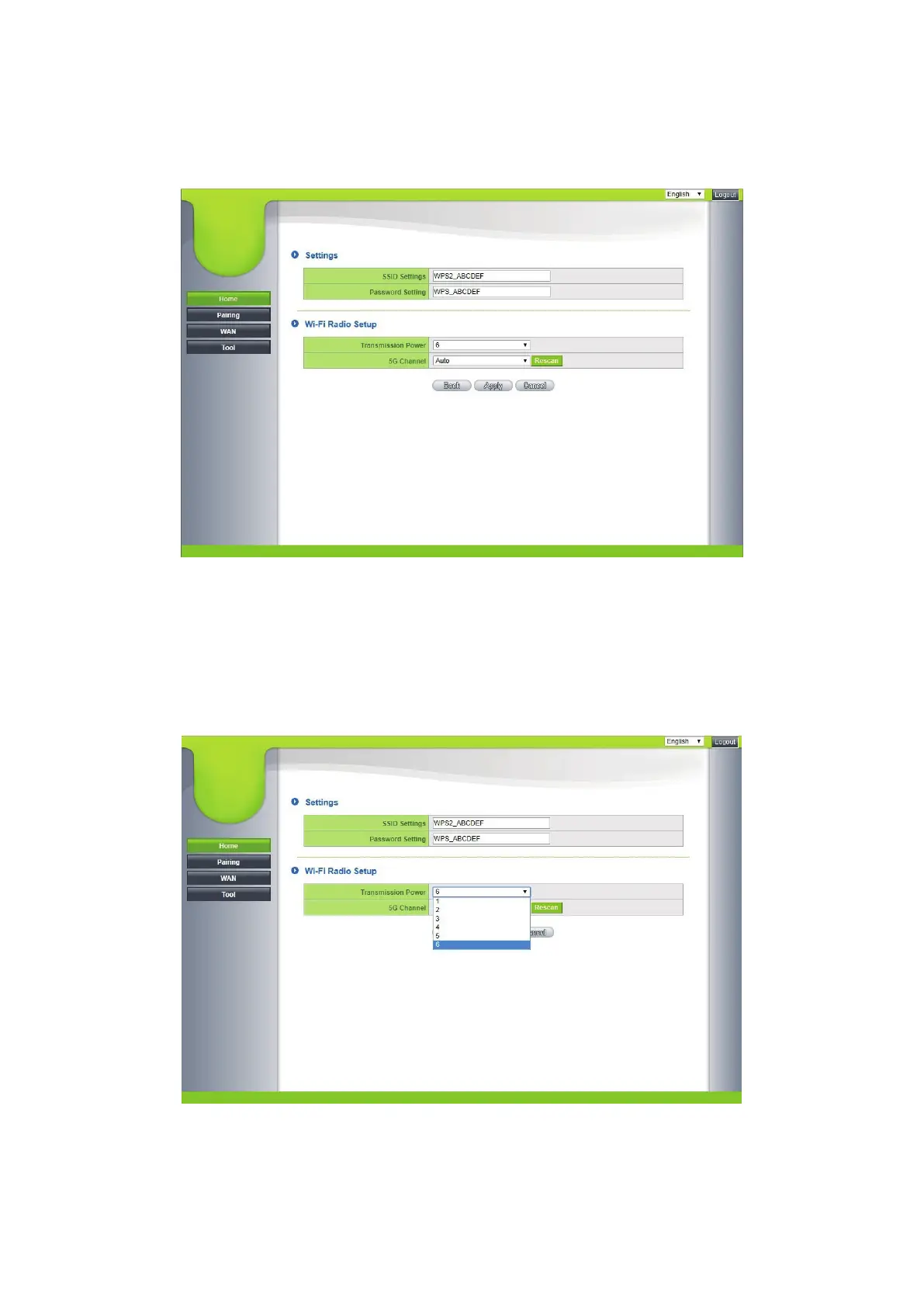
2.2 Click on Wireless for the CastMaster Touch settings and the RF settings
menu. You may rename the SSID of the Wi-Fi connection and change the
password.
2.2.1 In the RF setting, the transmission power can be changed between
1 and 6 (level 6 is the strongest). In a working network environment,
each increment increases the signal strength by 1 to 3 dBm.
Moderately reduced strength can avoid mutual interference between
adjacent wireless devices in the same frequency band.


 To Next Page