9
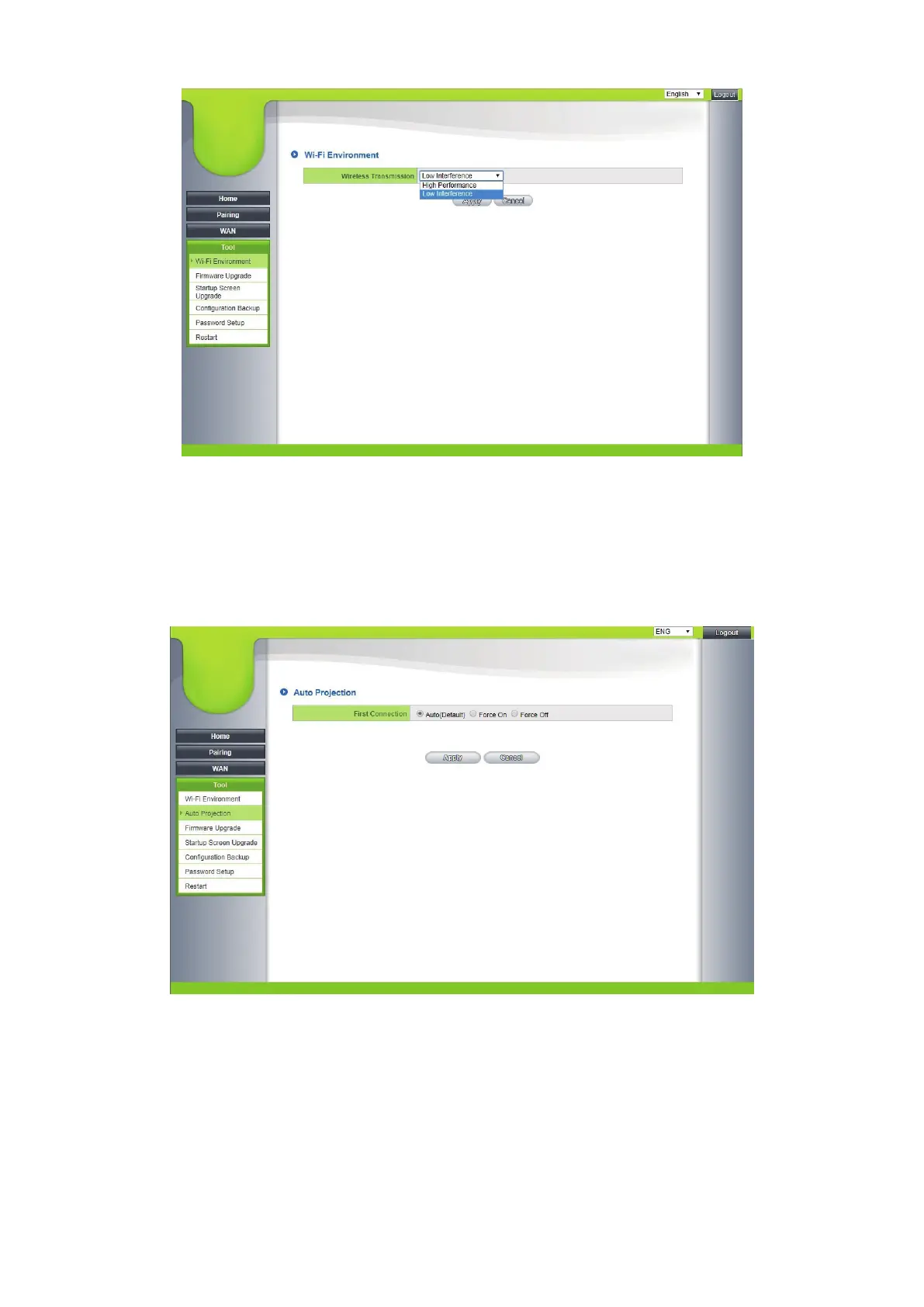
5.1.1 High performance: For environments requiring high video quality.
5.1.2 Low interference: For environments with high interference to
maintain Wi-Fi transmission stability and video quality.
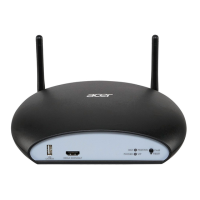
5.2 Auto Projection
5.2.1 Auto: Auto Projection will be activated when only one transmitter is
paired and connected successfully.
5.2.2 Force On: Auto Projection will be activated only the first transmitter is
connected, despite the multiple transmitters are paired.
5.2.3 Force Off: Auto Projection is deactivated.


 To Next Page