English
27
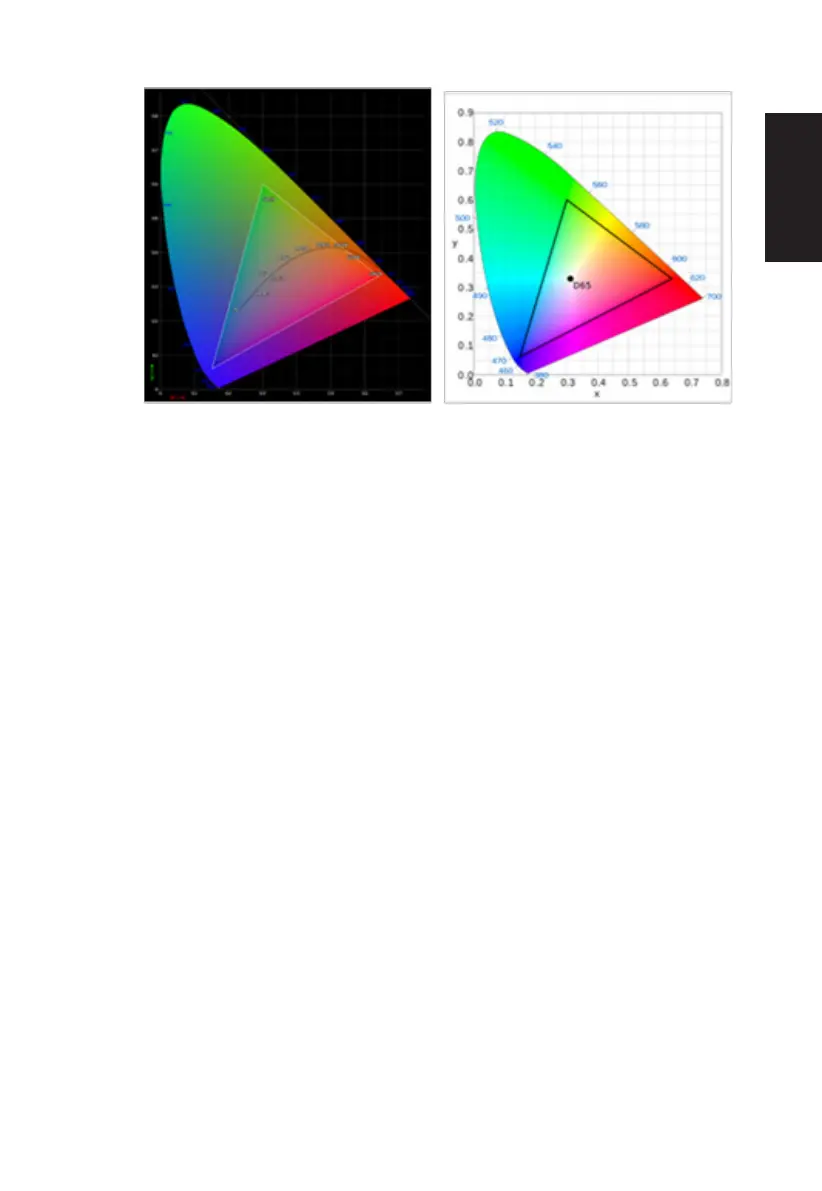
• CIE 1931 positive and negative error of 0.05, ("HDR" according to current Panel
to ne-tune).
• Color Space = HDR, the Modes = HDR, Picture page HDR = Auto.
• Modes = (Action/Racing/Sports/User/Standard/ECO/Graphics) is selected; the
color space is auto set to “General”.
• Color Space = (sRGB/Rec.709/HDR/EBU/DCI/SMPTE-C), If to adjust the
parameter the Modes will not jump to User mode, but the Color Space =
“General” except.
• Color Space = (sRGB/Rec.709/HDR/EBU/DCI/SMPTE-C), 6-Axis Hue &
Saturate is gray out and unavailable.
• Color Space = (sRGB/Rec.709/HDR/EBU/DCI/SMPTE-C), Grayscale Mode is
gray out and unavailable.
• Color Space = (sRGB/Rec.709/HDR/EBU/DCI/SMPTE-C), (Light & Color)
Sensor are gray out and unavailable.
•
8. Grayscale Mode:To choose Grayscale mode.
9. 6-axis Hue: Adjust the red, green, blue, yellow, magenta and cyan hue.
10. 6-axis Saturate: Adjust the red, green, blue, yellow, magenta and cyan saturation.



 To Next Page