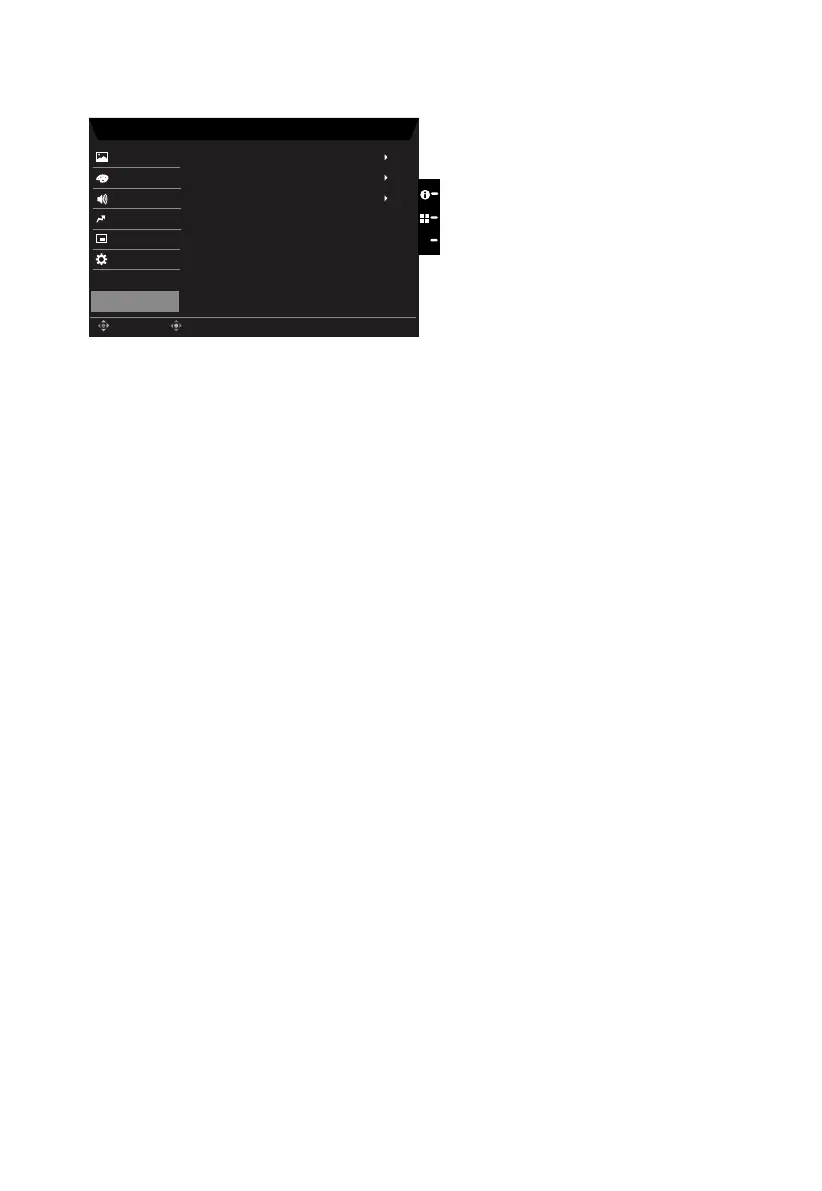
Save Setting to…(User mode only)
Mode - ECO
Picture
Mode - Standard
Mode - Graphic
Mode - User
Enter
Move
Color
OSD
System
Save Sengs to...
Audio
Pertormance
X
Mode - Movie
1. Press the MENU key to open the OSD.
2. Toggle the joystick to the up or down to select "Save Setting to..." from the OSD.Then
toggle to the right to
navigate to the element you wish to adjust and press the joystick
to enter it.
3. Save Setting to some mode: There are four user-dened proles available. When you
have decided what settings suit you, save them and system will be able to recall the
settings in the future when you turn on these mode.



 To Next Page