CB292CU User Guide English
4. Blue Light: Filters out blue light to protect your eyes by adjusting how much
blue light is shown -- 80%, 70%, 60%, or 50%.
Note: A higher value allows more blue light to pass through, so in order to
achieve the best protection, please select a lower value, of which 50% is in
the best state and has been tested by TÜV Rheinland and meet the
requirements of TÜV Rheinland's “Low Blue Light Content” standard.
5. ACM: Turn ACM on or off.
Note: Set to "On", will be based on the current screen to dynamic
contrast adjustment.
6. Super Sharpness: Turn the Super Sharpness On or Off. Super Sharpness
technology can simulate high-resolution images by boosting the pixel density of
the original source to make images sharper and clearer.
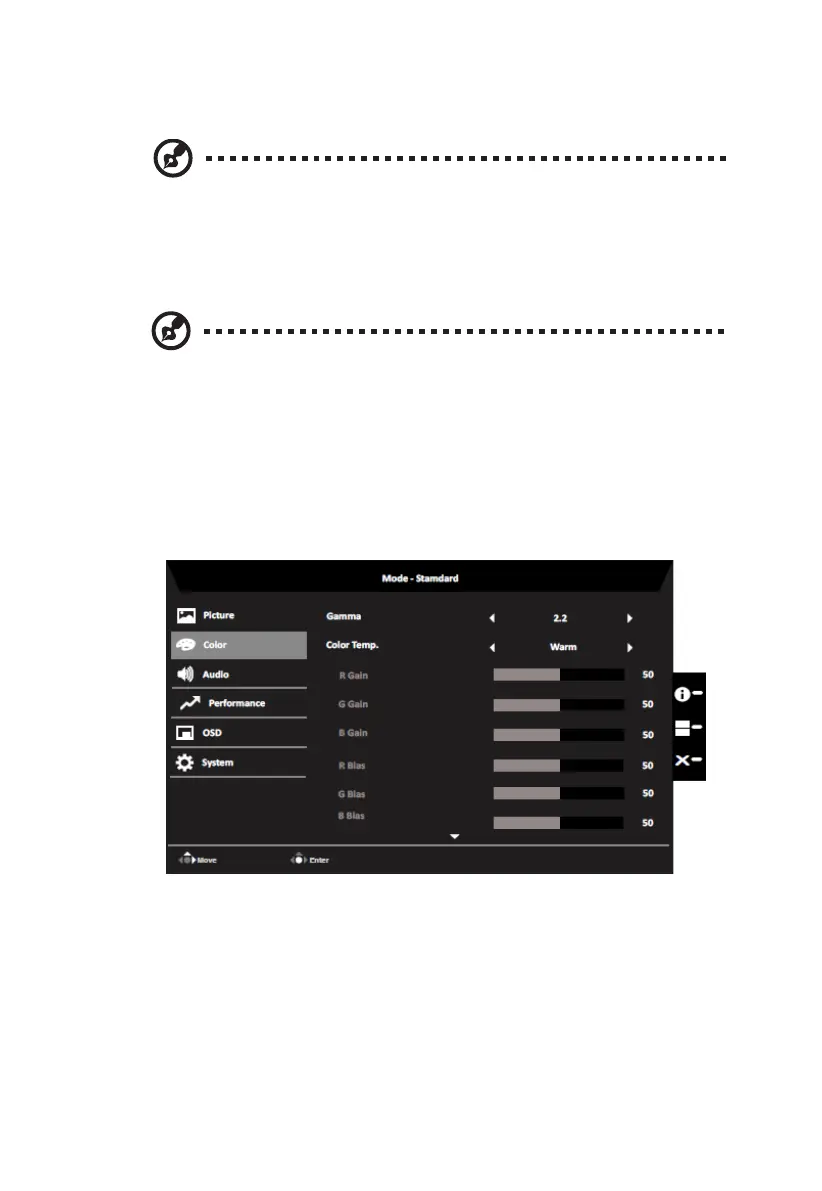
Color
14


 To Next Page