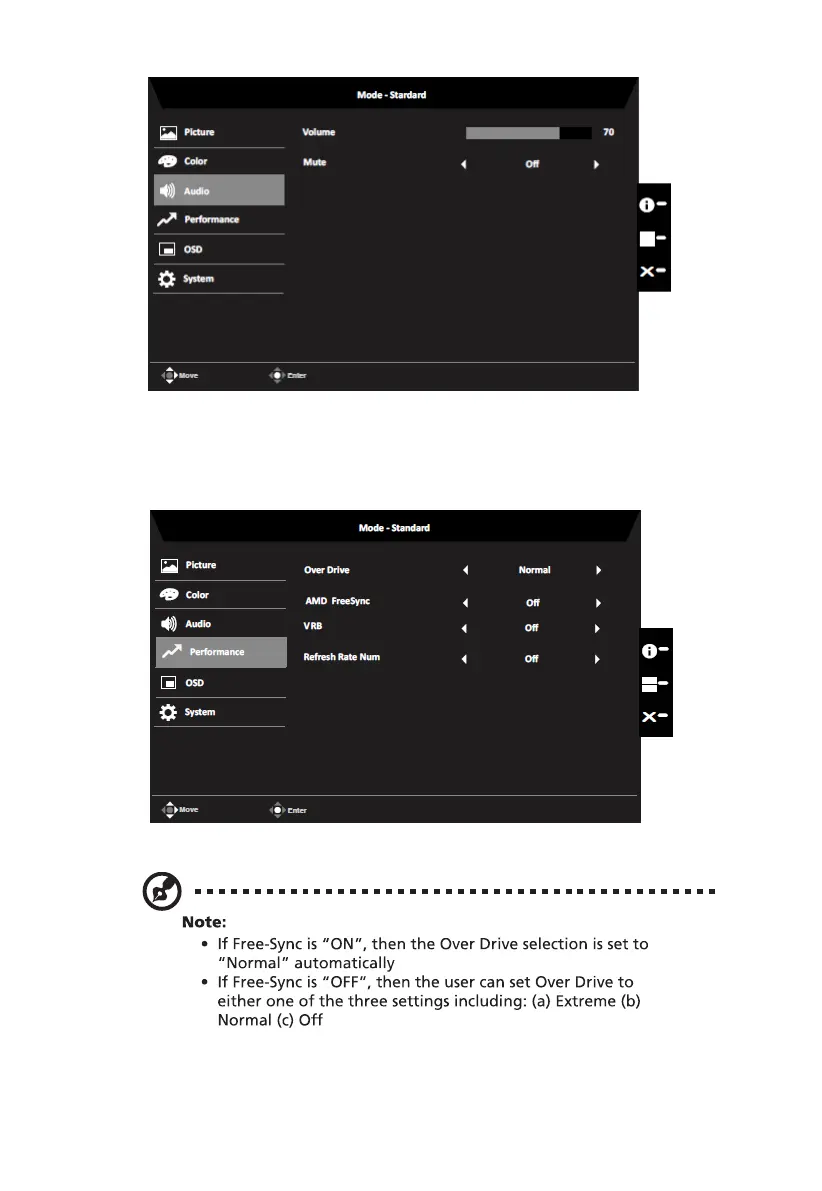
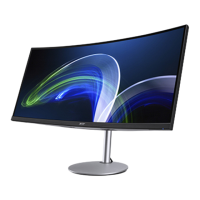
CB292CU User Guide English
Audio
1. Volume: Adjust the volume
2. Mute: Select On to mute audio or Off to unmute.
Performance
1. Over Drive: Select Off, Normal or Extreme.
2. AMD FreeSync: To choose AMD FreeSync on/off.
VRB: When VRB is set to Normal or Extreme, the dynamic picture fine lines will
become more clearly, but the brightness will be reduced, and default will be "Off".
16
3.
Note: If FreeSync set "On" you can see the V Frequency to changes in the OSD.


 To Next Page