40
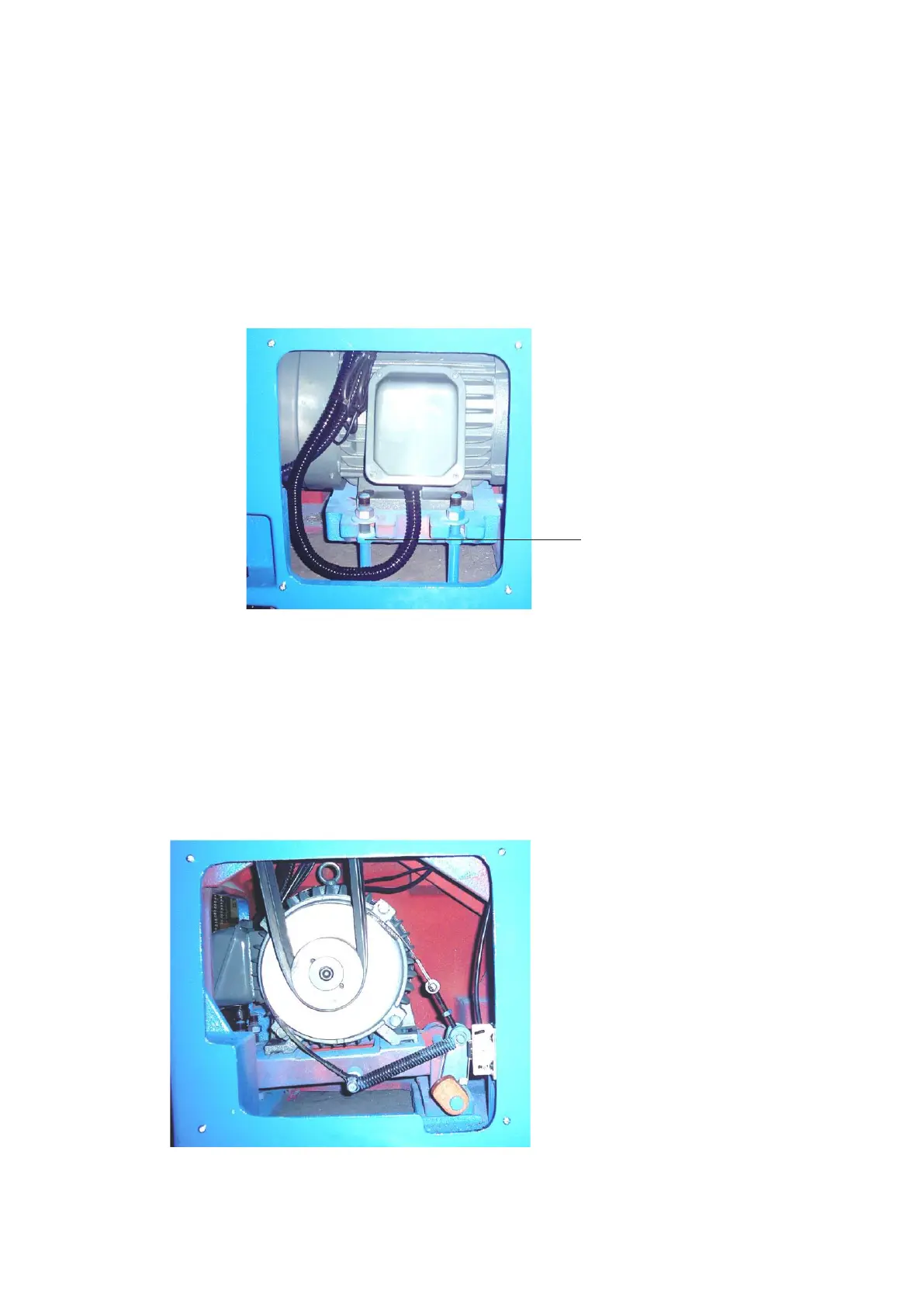
7-5 Belt Tension Adjustment
After using the lathe for a long time, the belts will stretch and require tension adjustment.
1. Facing the back side of the lathe, please remove the cover on the lower right side of the lathe.
2. Loosen adjusting nut ○
A
and lower down the motor with base until the desired belt tension is
achieved.
3. After adjustment, please be sure to tighten the adjusting nut securely.
○
A
Fig 7-5
7-6 Brake Belt Adjustment
If the brake belt is worn out and cause the brake band to be loosen. It is time to adjust the
nut ○
H
of the brake band. Remove the side rear cover, loosen the nuts on the top of brake band
and tighten the nuts on the bottom to the appropriate height. Then tighten the nuts on the top to
complete the adjustment. After adjustment, please put back the side rear cover.
○
H
Fig 7-6



 To Next Page