13
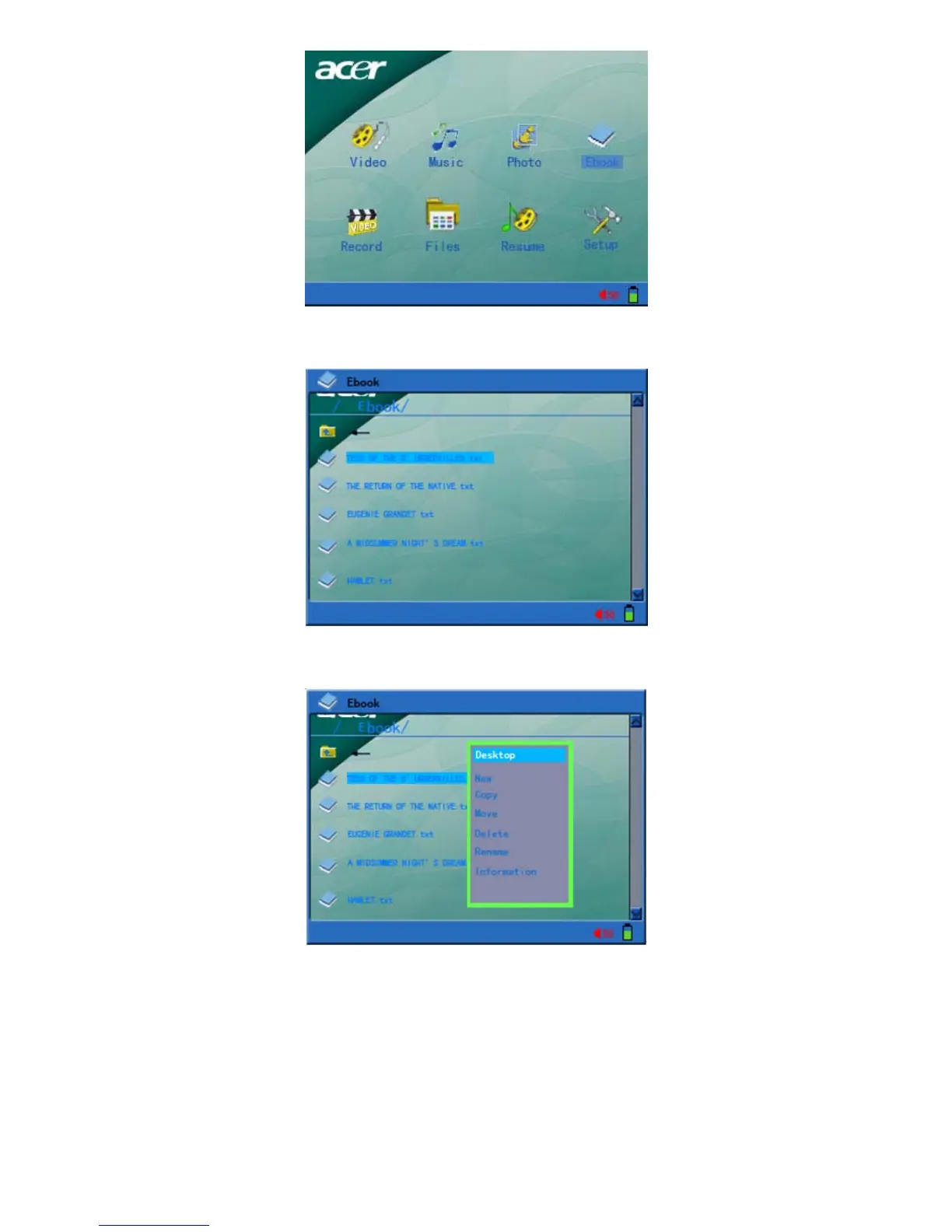
1) Select “E-book” function in the main interface and press “Enter” key to confirm, and to
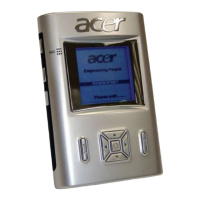
enter into the interface of E-book file list.
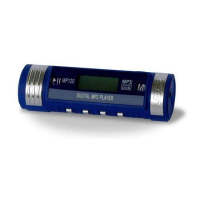
2) Press “menu” key to call up the file operation menu and the detailed operation method is
shown in the description of file operation section.
a. Desktop: Select “Desktop” and return to the main interface.
b. New, copy, move, delete and rename: Refer to file operation description.
c. Information: Open or close the file information column.
3) In the E-book file list interface: Use “up” or “down” keys to select E-book, and press
“Enter” key to open and display electronic book on the screen.


 To Next Page