Introduction
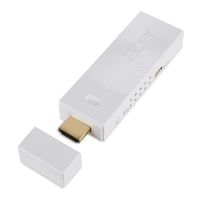
Thank you for choosing Acer. The Acer MWA3 wireless adapter and eDisplayPro app
offer enhanced features such as Split-screen display, Host control system and Acer
BYOC
™
apps. With these new enhanced features, the Acer MWA3 wireless adapter
can be a powerful tool for presentations and educational purposes. Please
download the Acer eDisplayPro app from Google Play or the Apple App Store and
enjoy all the new features now.
Hardware installation
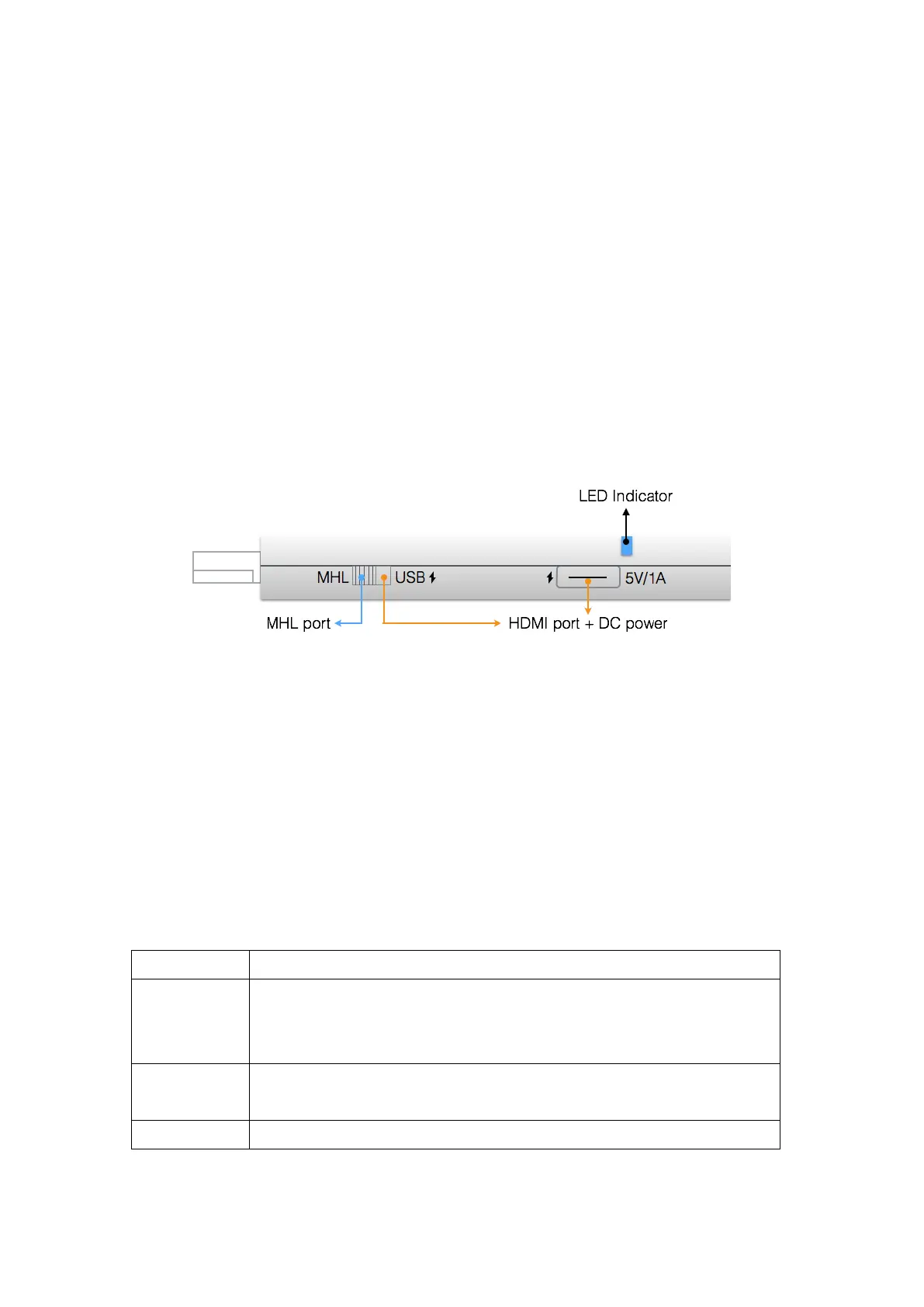
The Acer MWA3 wireless adapter is compatible with the MHL
™
interface, allowing
you to connect your Acer MWA3 wireless adapter with your receiver and Acer
projectors. A switch will allow you to choose between using HDMI
®
output and
MHL
™
output. Please note that an external 5 V/1 A DC power adapter is required
when using HDMI
®
output.
App (iOS / Android
™
)
iOS system requirements
iPhone 4 and newer models
iPad 2 and newer models
iPod touch and iPod touch 4
th
generation
iPhone: 480 x 320 to 1136 x 640
iPad: 1024 x 728 to 2048 x 1536
Requires at least 40 MB of free space


 To Next Page