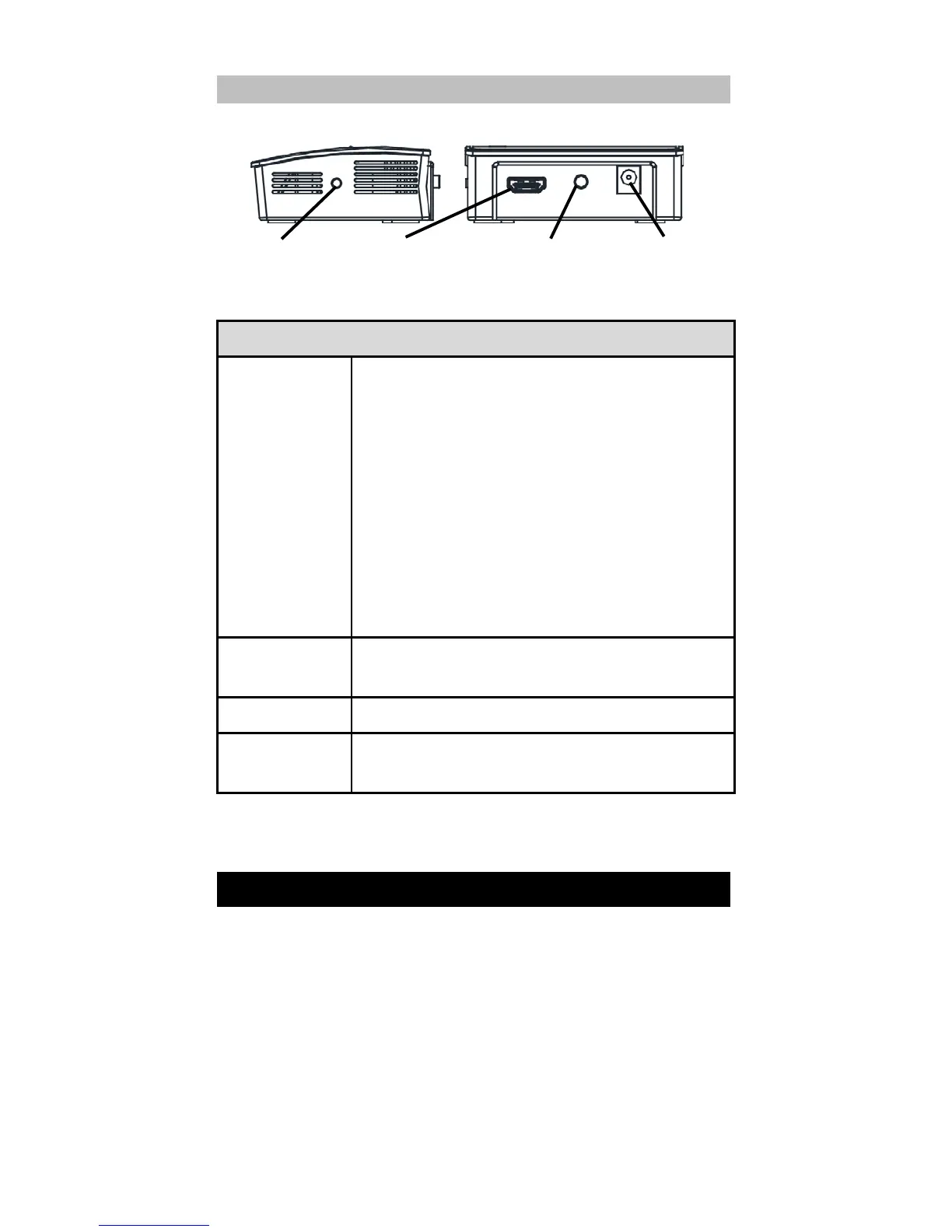
Short press (< 10 seconds) to detect the
next source. This function allows you to
switch the source of the audio/video to
another in-range Wireless HD transmitter.
This disconnects the current connection
and triggers a connection to the next
available source on the device list.
Long press (> 10 seconds) to reset to
factory defaults. This function allows you
to reset the recei
ver to its original shipping
condition.
Connect an HDMI/MHL cable to this port
and a TV or computer.
Press to turn the power on or off.
Connect the power adapter to the power
DC-in jack.
Installation
Setup steps
1. Connect the transmitter to a media source, such as a
computer, Blu-ray player or a smartphone using the
HDMI/MHL cable. If connected to a computer, make
sure the computer output resolution is in a supported
video format.
2. Connect the receiver to the HDMI/MHL port on the
projector. Select WirelessHD from the projector source
list.



 To Next Page